
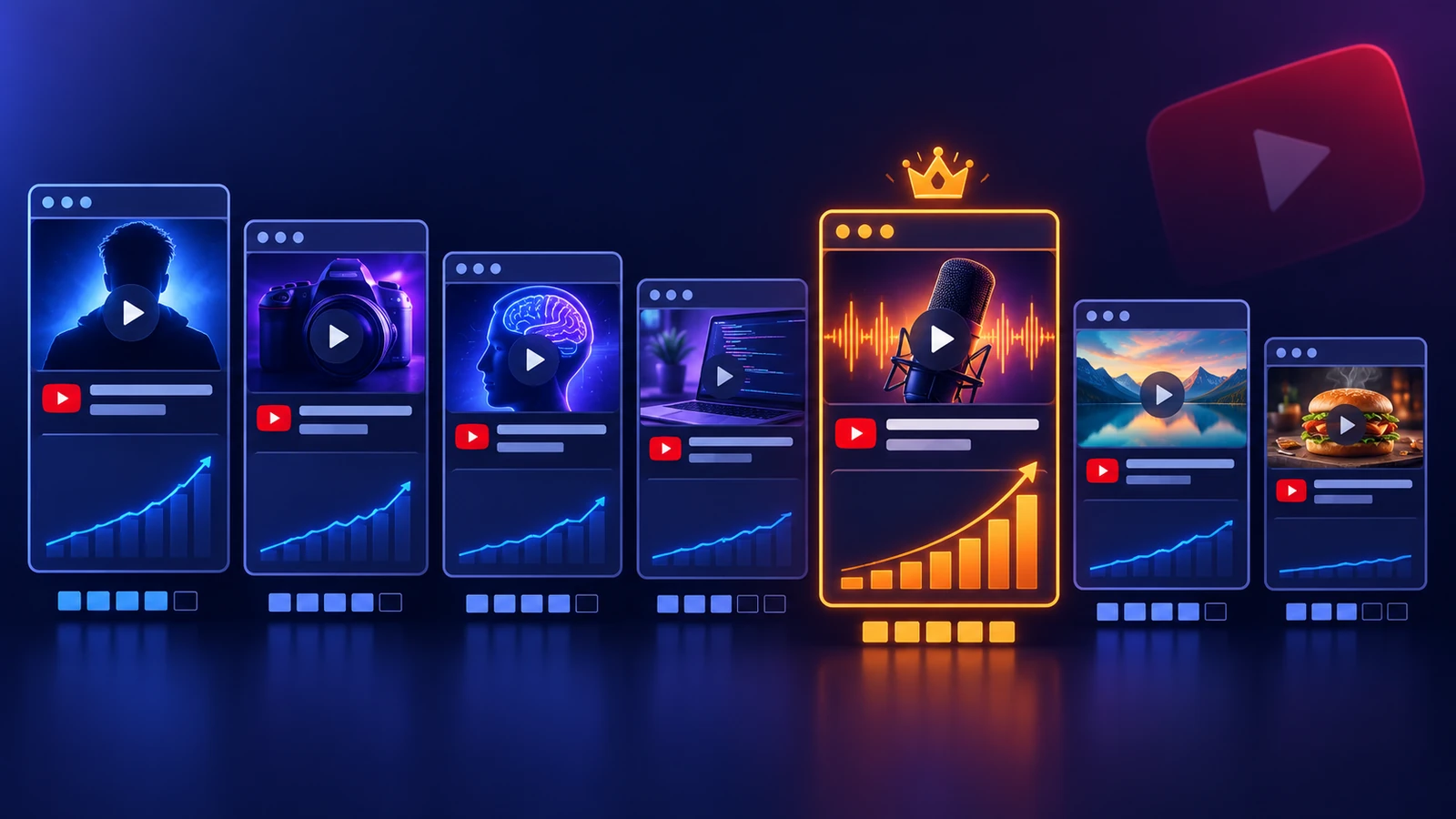
What is the best YouTube thumbnail software in 2026? Canva is the best all-round choice for most creators, Photoshop is still the professional ceiling, and Creator AI is the best pick if you want the thumbnail generated from the same script as the video. We scored seven tools out of five against the same criteria, design power, ease of use, template quality, export accuracy and value, and the ranking below reflects those scores rather than any affiliate arrangement.
Key Takeaways
- Canva scores highest overall (4.7/5) for the widest range of creators, mostly on ease of use and template quality.
- Photoshop is still the ceiling (4.6/5) but the learning curve costs you weeks you could have spent uploading.
- Creator AI is the fastest path from idea to upload (4.6/5) because the thumbnail comes out of the script rather than a blank canvas.
- Free is genuinely viable. GIMP, Pixlr and Canva's free tier can all produce a thumbnail that outperforms a lazy paid one.
- The tool is not the variable that matters most. Testing three concepts per video beats any software upgrade.
Why Your Thumbnail Is Your Video's Billboard
Every video you publish competes in a grid of rectangles. Yours gets under a second of attention, at roughly 120 pixels wide on a phone, next to a truncated title.
That is the entire job. Not "look professional", not "show the topic", just survive a one-second glance in a crowded feed and make the promise clear enough to click.
Impressions click-through rate on YouTube typically sits between 2% and 10%. The distance between the bottom of that range and the top is almost never production quality. It is packaging, and packaging is what your YouTube thumbnail software exists to accelerate.
How We Evaluated This YouTube Thumbnail Software
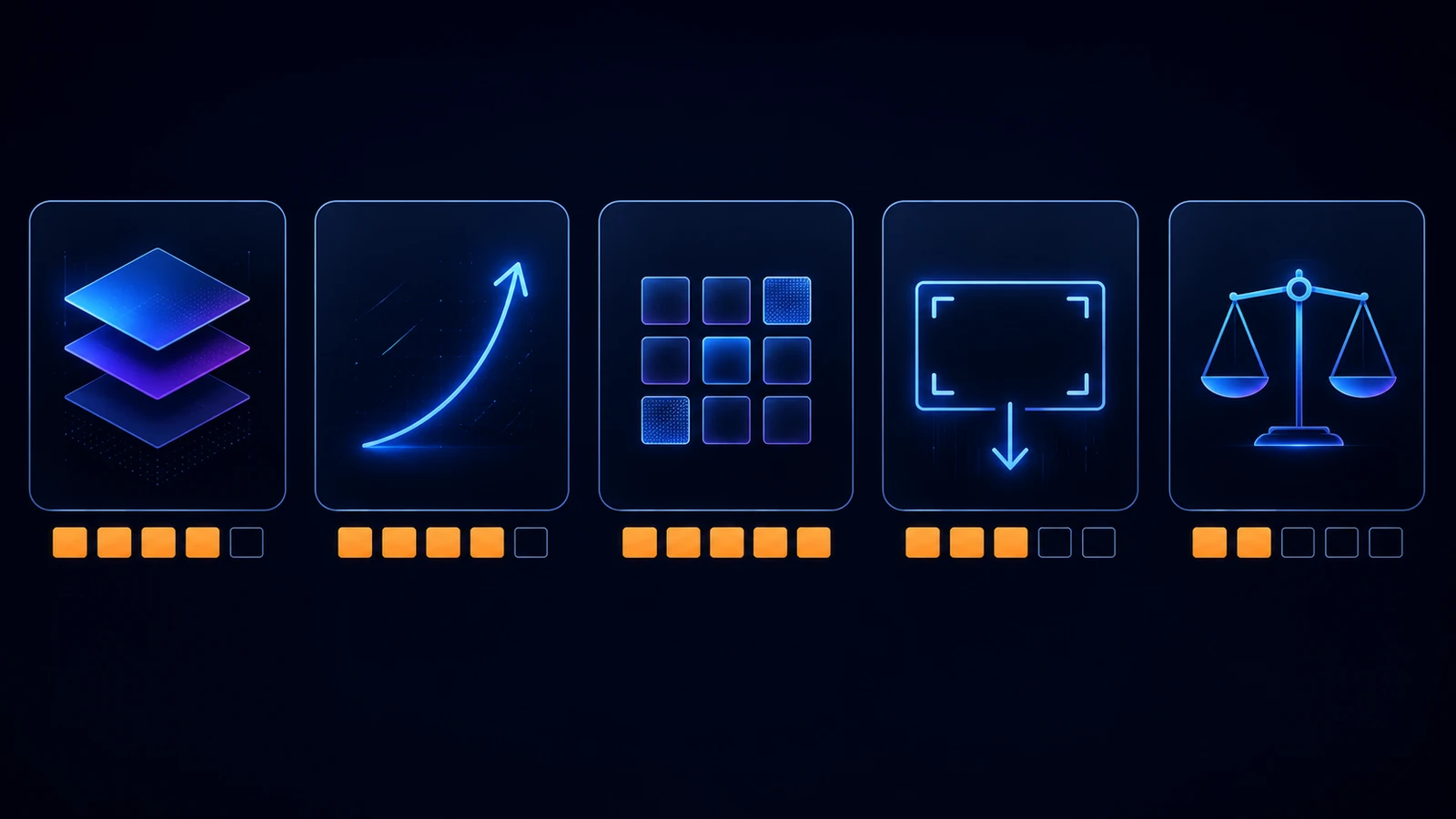
Every tool was scored out of five on the same criteria, using the same three test videos.
Criterion 1: Design power
How far can you push the image? Layer control, masking, cutout quality, colour work, effects. This is where professional tools separate from template tools.
Criterion 2: Ease of use
Time from opening the tool to a finished, exportable thumbnail on day one, with no tutorials. This weighs heavily because most creators abandon powerful software they never learn.
Criterion 3: Template and asset quality
Are the starting points good enough to ship, or do they look like defaults? Ubiquitous templates are worse than no templates, because they make you look interchangeable.
Criterion 4: Export accuracy
Does the tool hand you a correct 1280x720, sub-2 MB file with a visible safe zone, or do you have to remember the specification yourself? YouTube documents these requirements, and software that enforces them prevents the most common technical failure.
Criterion 5: Value and workflow fit
Price against what it replaces, and whether it lives near the rest of your production or adds another tab to the pile.
The Top 7 YouTube Thumbnail Software Tools Compared
| Rank | Tool | Rating | Pricing | Best for |
|---|---|---|---|---|
| 1 | Canva | 4.7 / 5 | Free, Pro ~12 USD/mo | Almost every creator |
| 2 | Adobe Photoshop | 4.6 / 5 | ~23 USD/mo | Professional compositing |
| 3 | Figma | 4.5 / 5 | Free for individuals | Teams and design systems |
| 4 | Snappa | 4.3 / 5 | Free, Pro ~10 USD/mo | Fast template work |
| 5 | Creator AI | 4.6 / 5 | Free credits, then usage-based | Script-to-thumbnail workflow |
| 6 | Pixlr | 4.2 / 5 | Free, Premium ~8 USD/mo | Browser-based editing |
| 7 | GIMP | 4.0 / 5 | Free, open source | Zero-budget power users |
1. Canva, 4.7 / 5
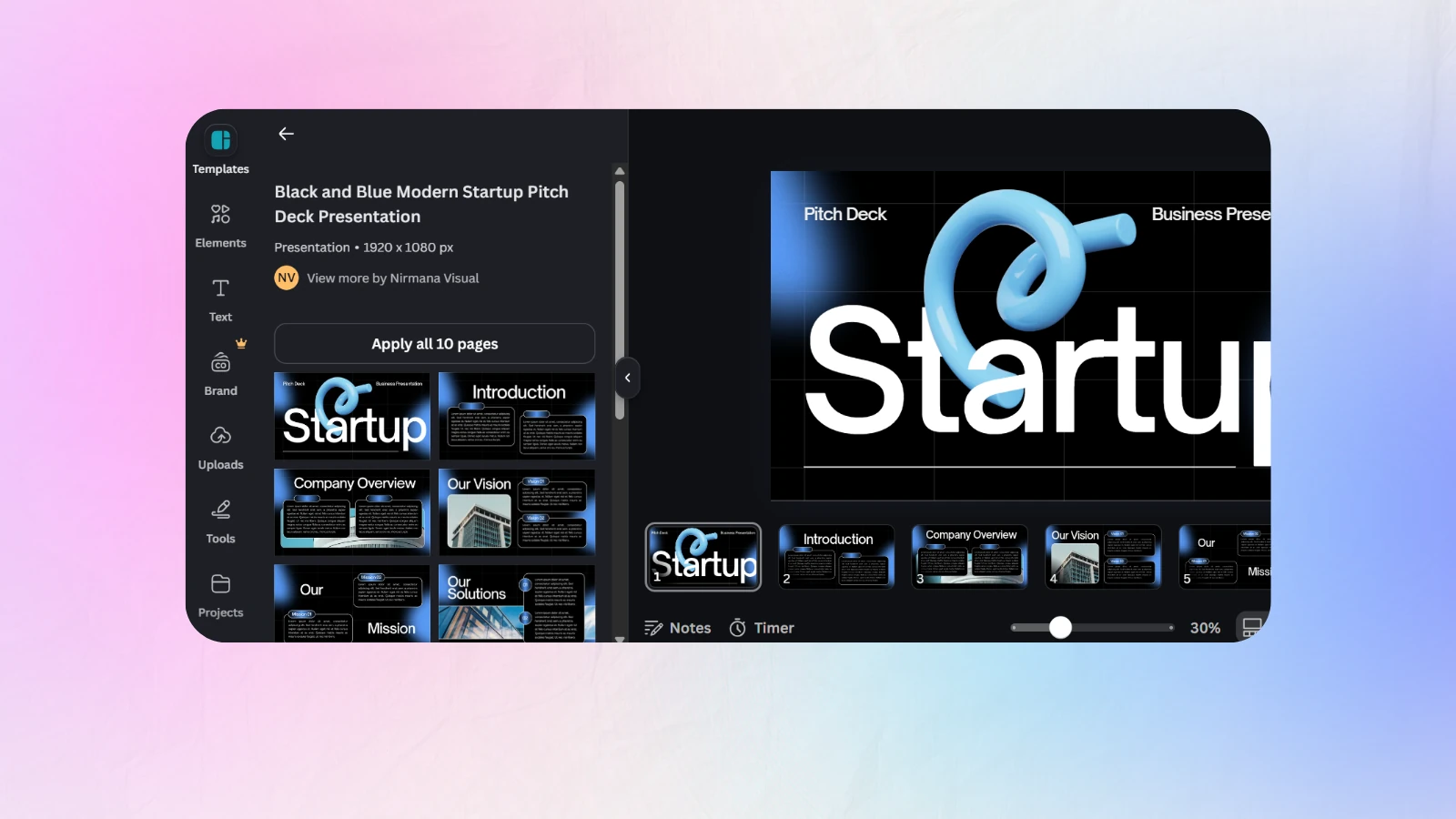
Canva is the default recommendation because it is the tool most creators will actually keep using after week three.
Pricing: free tier, Pro around 12 USD per month.
Pros: enormous template library with a proper 1280x720 YouTube preset, background remover and Magic Media generation on Pro, brand kit that keeps fonts and colours locked, works identically in a browser and on a phone.
Cons: template ubiquity is a real problem, the most popular thumbnail layouts are visibly Canva, and heavier compositing hits a ceiling fast.
Best for: creators who want to design rather than prompt, and anyone publishing to more than one platform.
2. Adobe Photoshop, 4.6 / 5
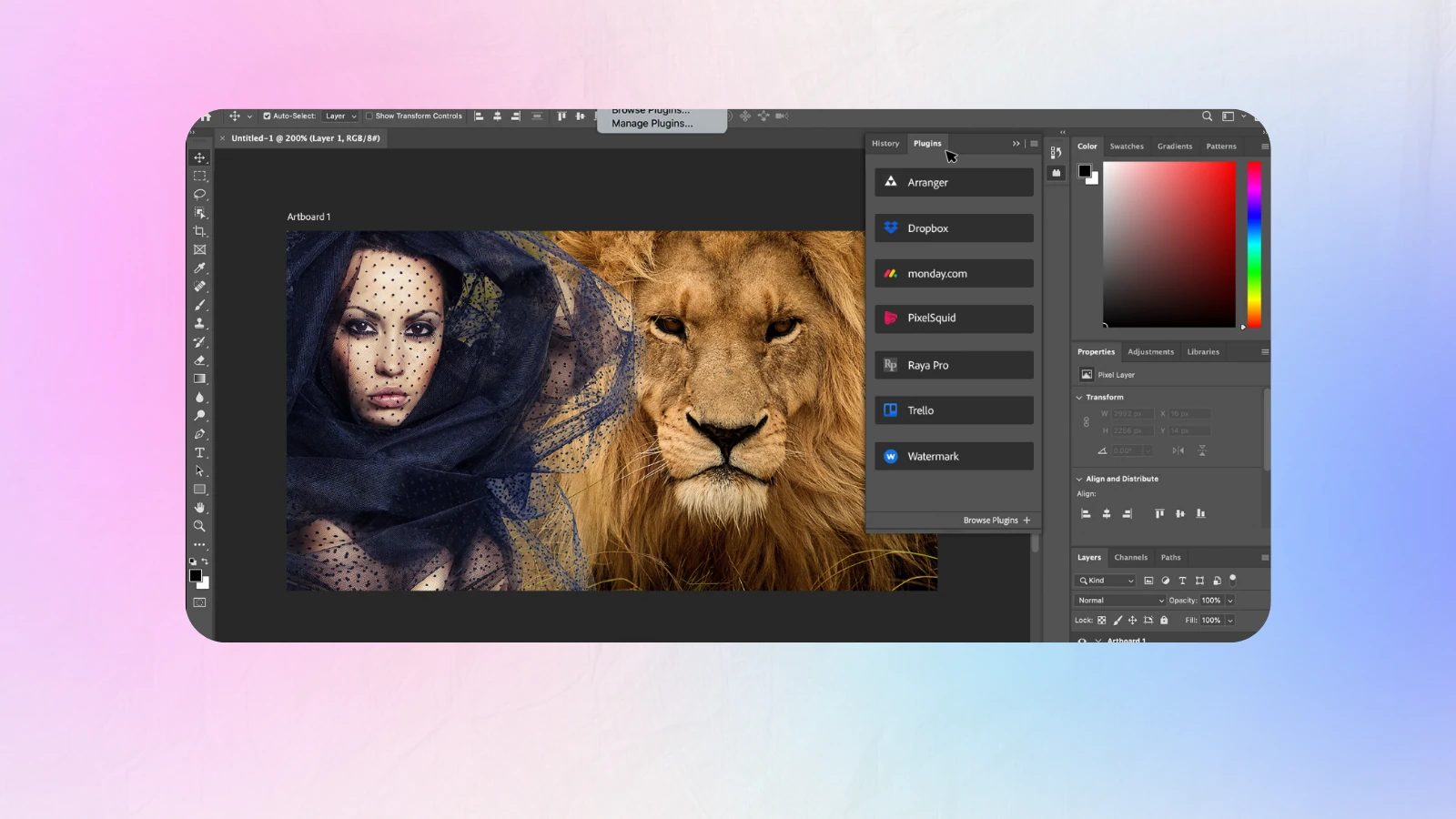
Still the ceiling. Nothing else matches it for cutouts with hair detail, colour grading, or compositing a subject convincingly into a generated background.
Pricing: around 23 USD per month for the Photography plan.
Pros: unlimited control, Generative Fill for extending backgrounds and removing objects, industry-standard file handling, every tutorial ever made.
Cons: genuinely steep learning curve, subscription cost, and the slowest path from idea to export of anything here.
Best for: channels with a designer, or creators whose thumbnails are complex illustrated scenes.
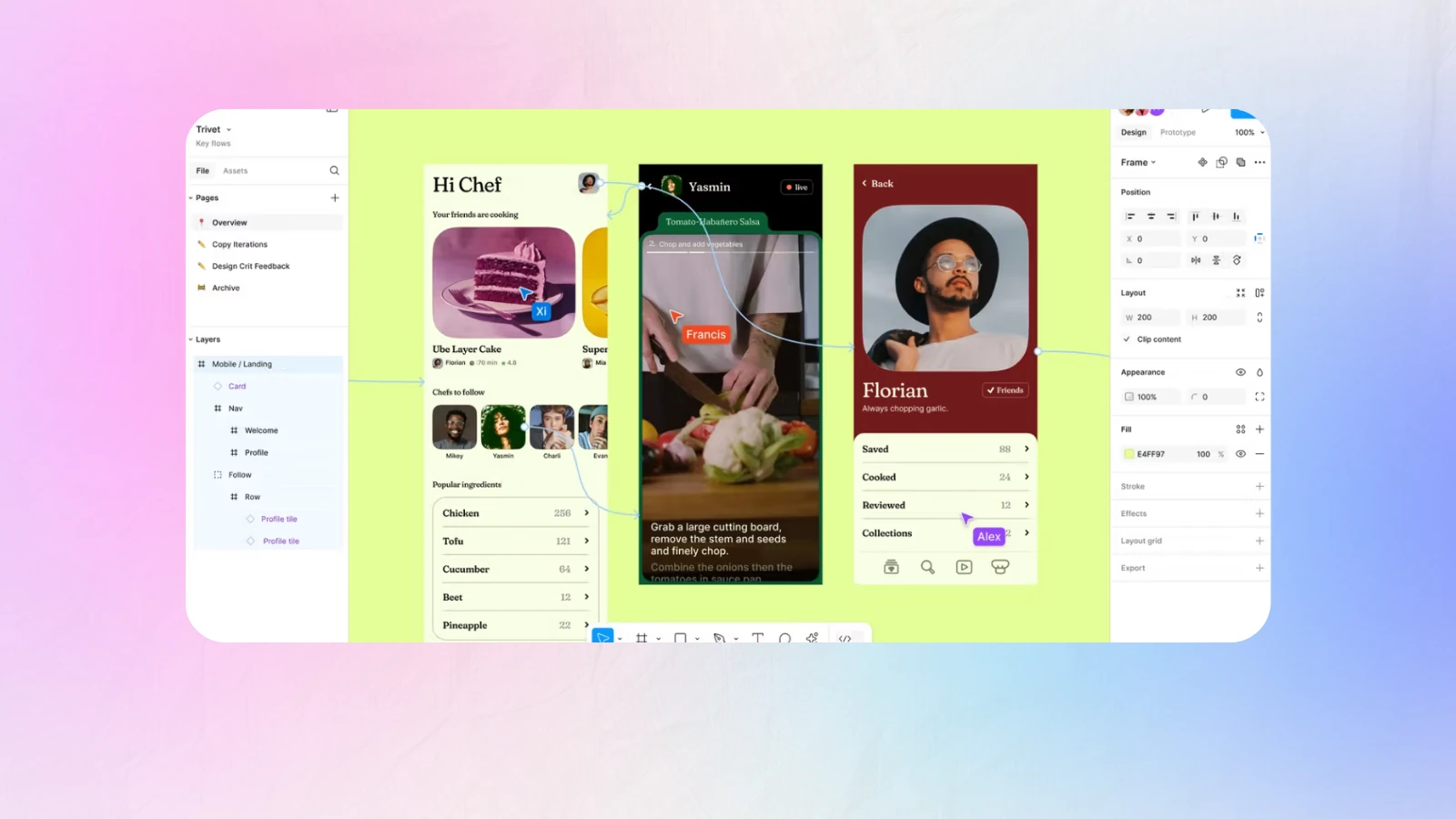
3. Figma, 4.5 / 5
Figma is not thumbnail software, which is exactly why some teams love it. Components, variants and shared libraries turn a thumbnail into a repeatable system.
Pricing: free for individuals, paid team plans.
Pros: component-based templates mean one change updates every thumbnail, excellent collaboration and commenting, version history, plugin ecosystem covering background removal and mockups.
Cons: no generative image tools worth the name, raster editing is weak, and it assumes you already know what you want to build.
Best for: multi-person channels and agencies running a strict visual system.
4. Snappa, 4.3 / 5
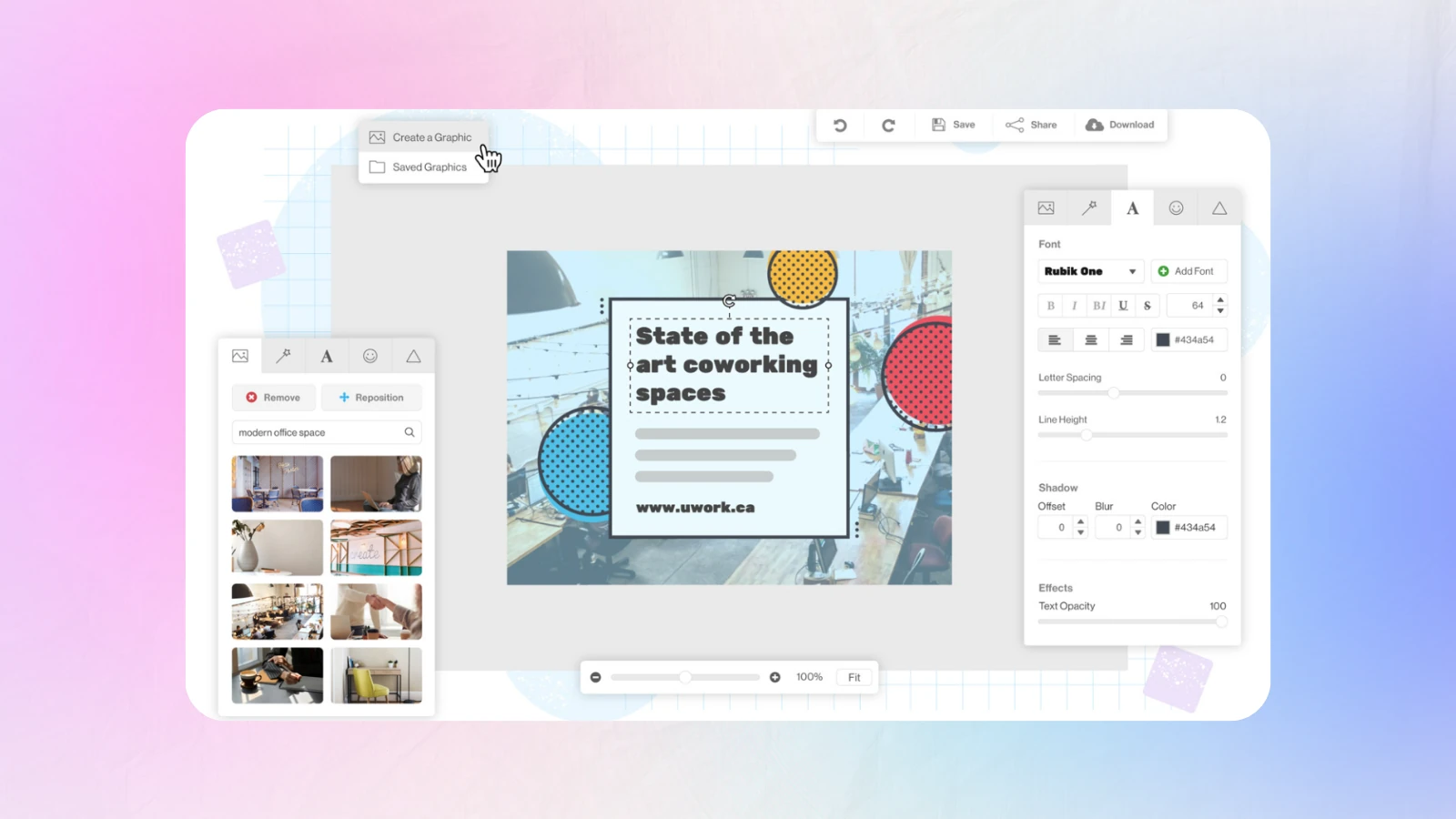
Snappa is the speed option among traditional editors. Fewer features than Canva, less clutter, and a faster route to a finished cover.
Pricing: free tier with limited downloads, Pro around 10 USD per month.
Pros: very fast, clean interface, decent stock library included, no learning curve at all.
Cons: small template set compared with Canva, limited AI features, free tier caps downloads aggressively.
Best for: creators who find Canva overwhelming and want three clicks to an export.
5. Creator AI, 4.6 / 5, the Script-First YouTube Thumbnail Software
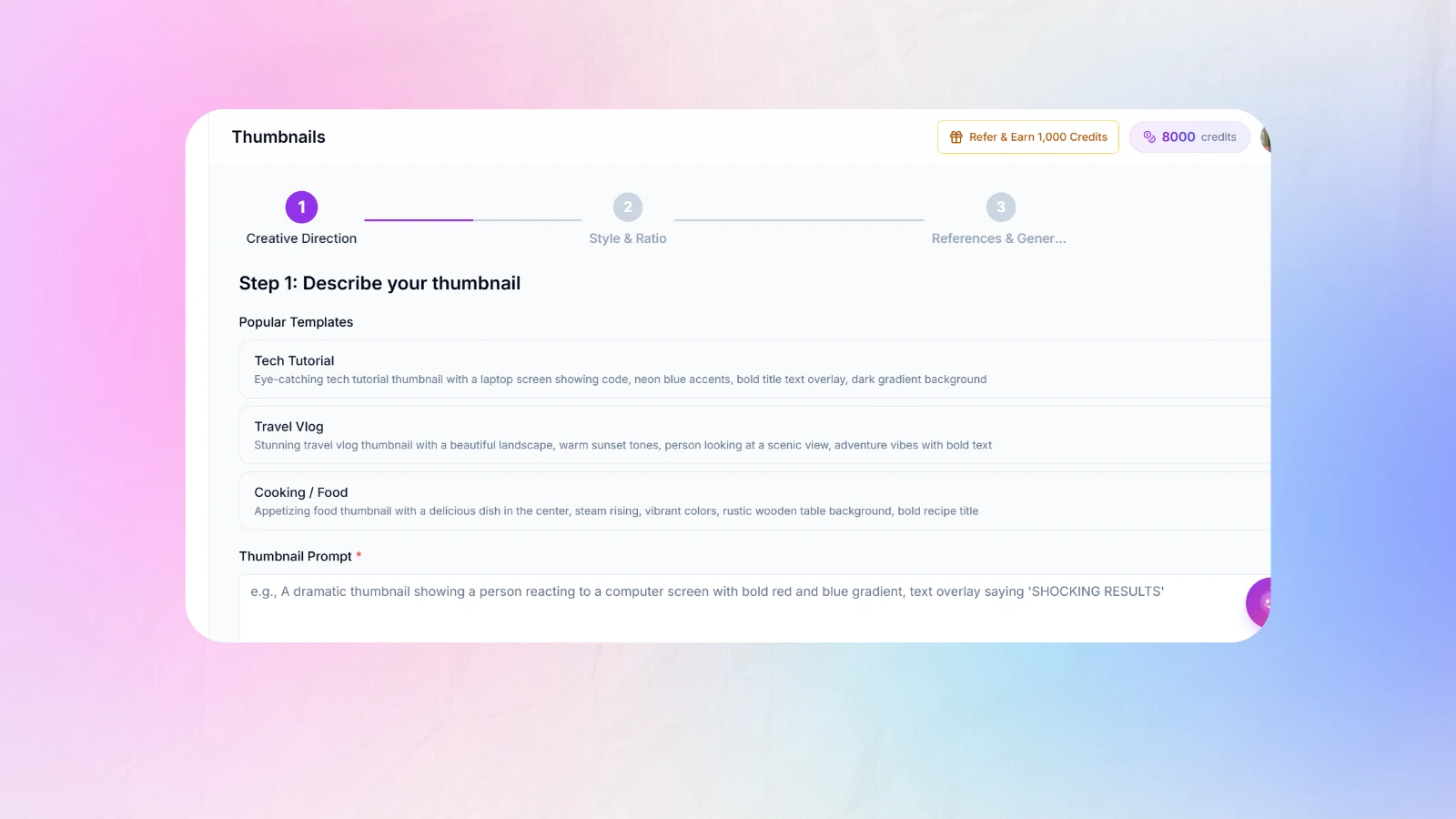
Every other tool in this ranking starts with a canvas. Creator AI starts with your video.
It connects to your YouTube channel, learns your voice from three to five existing uploads, and generates the script, the thumbnail and the subtitles from one brief. Because the thumbnail is built from the script's hook, the promise on the image and the payoff in the first thirty seconds are the same promise, which is the failure mode no amount of design skill fixes.
Pricing: free starting credits, then usage-based plans. See pricing.
Pros: 1280x720 export with CTR rules applied automatically, text capped at three to five words so nothing is unreadable at mobile size, contrast and safe-zone checks built in, brand style memory so a channel stays visually coherent across uploads, and one subscription replacing a script tool, a design tool, a subtitle tool and a dubbing tool.
Cons: built specifically for YouTube. It will not make you a poster, a carousel or a business card, and if you enjoy the design process you will find it removes the part you like.
Best for: solo creators and small teams publishing weekly who want packaging to stop being the last, worst hour of the upload. See Creator AI features.
6. Pixlr, 4.2 / 5
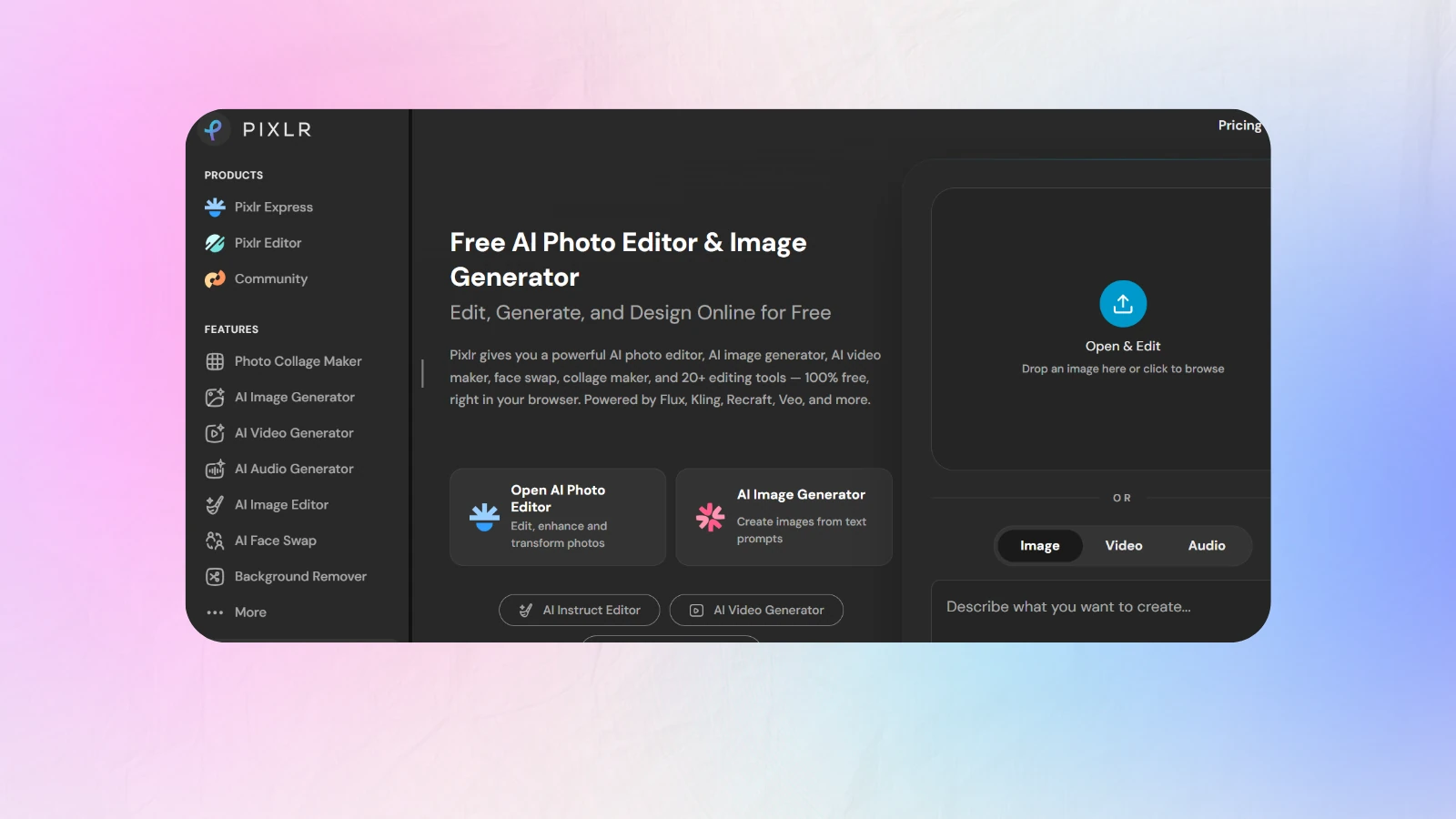
Pixlr is the browser-based middle ground, more powerful than a template tool, far lighter than Photoshop.
Pricing: free with ads, Premium around 8 USD per month.
Pros: proper layer editing in a browser, AI cutout and generative fill, no installation, cheap.
Cons: ad-supported free tier is intrusive, occasional performance issues on large files, template quality is average.
Best for: creators on low-spec machines or locked-down work computers.
7. GIMP, 4.0 / 5
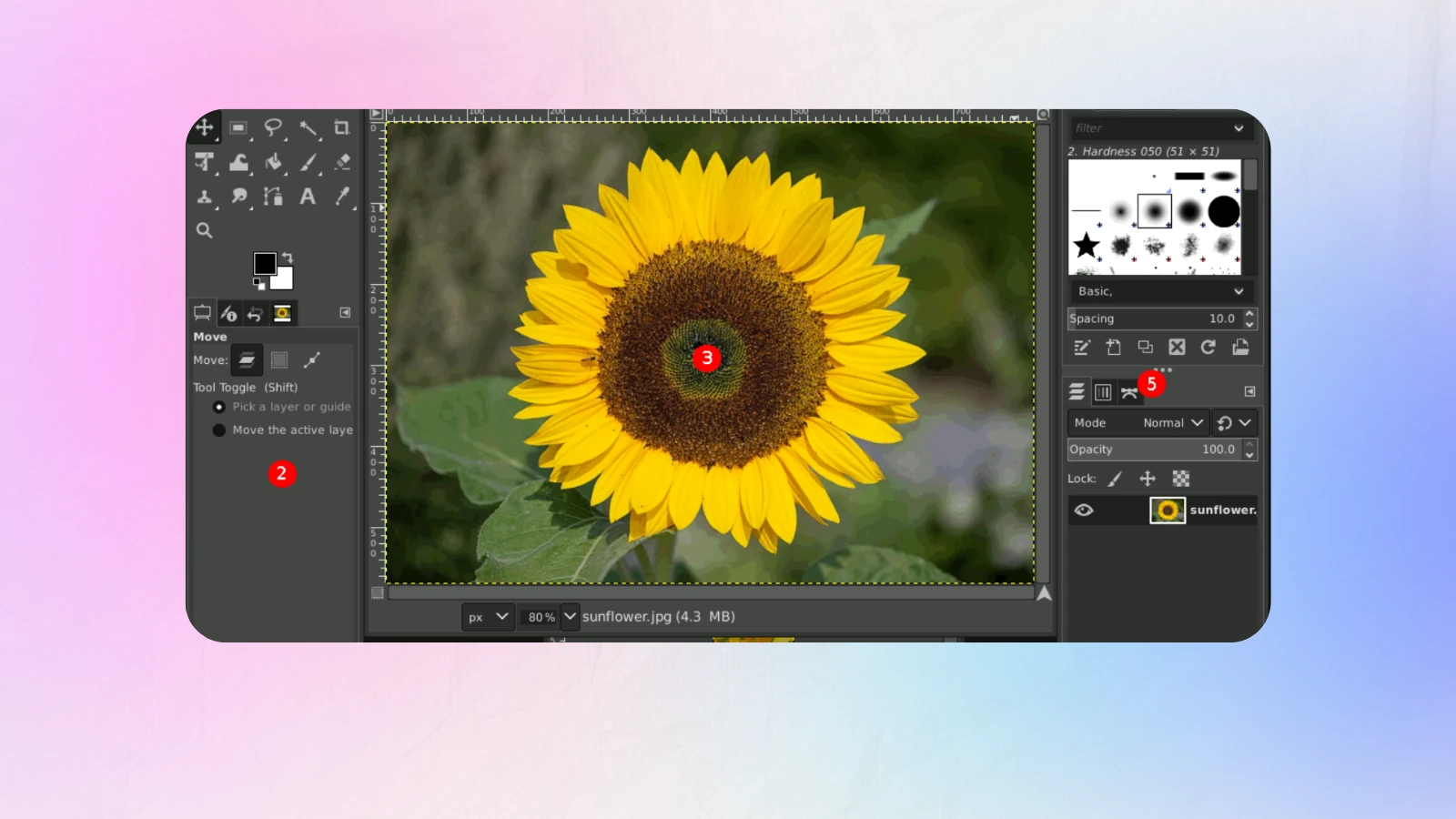
Free, open source, and genuinely capable. GIMP will do most of what Photoshop does, provided you are willing to fight the interface for a while.
Pricing: free, forever.
Pros: no cost and no subscription, full layer and mask control, scriptable for batch work, active plugin community.
Cons: the interface is its own learning curve, no meaningful AI features, no YouTube presets or templates.
Best for: zero-budget creators who are comfortable with technical software.
Our Top Pick for 2026
For most people reading this, Canva is the correct answer. It scores highest overall, the free tier is genuinely usable, and it is the tool you are most likely to still be using in six months.
But the ranking above measures software, and software is not what is holding most channels back. If your thumbnails are technically fine and your CTR is still flat, more design power will not fix it. If your thumbnails are made at midnight in whatever tool is closest, what you need is not better YouTube thumbnail software, it is a workflow where packaging is not an afterthought.
That is the case for Creator AI at number five. It scores lower than Canva on design range and higher than everything else on the only metric that determines whether you ship three concepts instead of one.
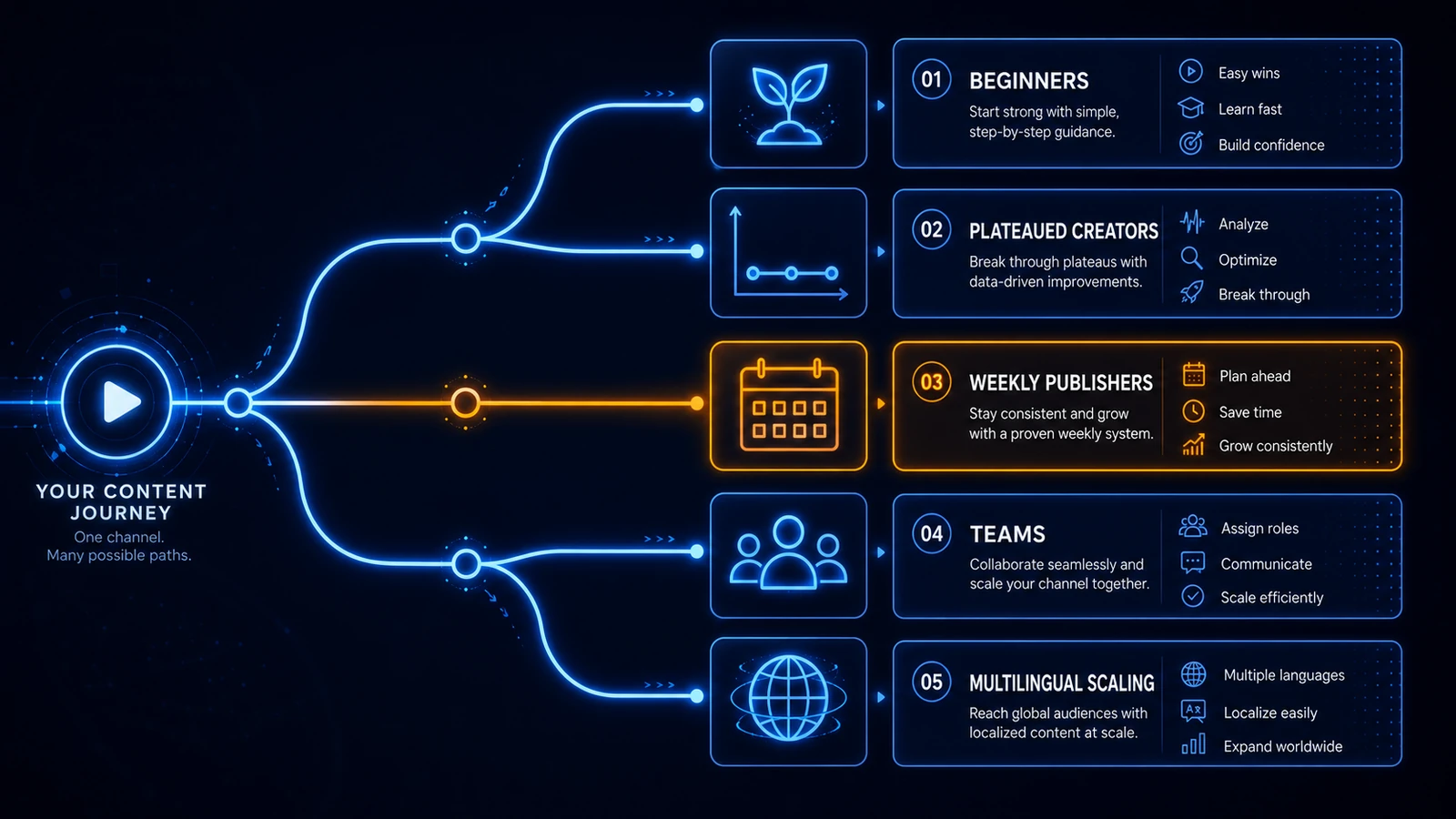
Choosing YouTube Thumbnail Software by Where You Are
Your first fifty videos. Use Canva's free tier. Do not buy anything. Spend the saved money on a light and the saved time on hooks.
Plateaued between 2% and 4% CTR. Your problem is testing volume, not tools. Pick whichever YouTube thumbnail software lets you make a genuinely different third concept in under five minutes, and read our breakdown of thumbnail mistakes killing your CTR.
Publishing weekly with a consistent format. Style memory and brand kits are worth paying for. Consistency compounds, and inconsistency quietly costs you returning-viewer clicks.
Running a team. Figma or Photoshop with a shared library. You need version control more than you need generation.
Scaling to multiple channels or languages. You need automation, not artistry. Pair batch thumbnail generation with translated subtitles and AI dubbing into multiple languages.
What No YouTube Thumbnail Software Will Do For You
It will not tell you what your video is actually about. It will not decide whether your promise is interesting. It will not stop you over-promising and wrecking your retention graph, and it will not make you test when you are tired.
Software removes friction. That is all, and it is enough, because friction is why most creators ship the first idea they had. Pick the tool that removes the most friction for the way you actually work, then run it for twenty uploads before you judge it.
Keep Reading
- Best AI Thumbnail Maker: 7 Tools That Boost YouTube CTR (2026)
- 7 Best AI Thumbnail Design Tools for Video Covers (2026)
- How to Improve YouTube Audience Retention and Watch Time
- Skip the canvas entirely, start free or see how it works.
- Reference: YouTube thumbnail requirements and YouTube creator resources.