
What is the best AI thumbnail maker for YouTube in 2026? There is no single winner, and any list that names one is selling you something. The best AI thumbnail maker depends on how often you publish: Canva AI wins on templates, Pikzels wins on photoreal faces, VidIQ wins on data, and Creator AI wins when you want the thumbnail generated from the same script and voice profile as the video itself. We ran all seven tools below on the same five real uploads and tracked what happened to click-through rate afterwards.
Why Your Thumbnail Matters More Than You Think
You can spend twenty hours on a video. Research, script, filming, three passes of editing, colour, sound. Then you spend eleven minutes on the thumbnail, upload, and wonder why the video died in an hour.
Here is the uncomfortable maths. YouTube shows your video as an impression. The viewer's brain gives that impression somewhere between 0.3 and 1.5 seconds. Everything you made is being judged by a 120-pixel-wide rectangle and a truncated title.
Average impressions click-through rate on YouTube sits between 2% and 10%, and YouTube's own analytics guidance puts most channels in the lower half of that band. Creators who consistently clear 8% are almost never better filmmakers than creators stuck at 3%. They are better packagers.
That is the gap an AI thumbnail maker is supposed to close. Not by making prettier pictures, but by making the tenth variant cost you ninety seconds instead of an hour, so you actually test.
The real reason AI helps, and it is not "design"
Most creators do not have a design problem. They have a volume problem. They make one thumbnail, they are emotionally attached to it by the time it is finished, and they never test an alternative.
An AI thumbnail maker breaks that attachment. When a concept costs you almost nothing, you stop defending it. That single behavioural change is worth more than any individual tool's rendering quality.
How We Tested These AI Thumbnail Maker Tools
We wanted this to be reproducible rather than vibes, so the method was deliberately boring:
- Same five videos. A tutorial, a commentary piece, a listicle, a vlog and a case study, all from working channels between 8k and 140k subscribers.
- Same brief for every tool. One subject, three-word text, high contrast, one clear emotional read.
- Same measurement window. Seven days of impressions CTR from YouTube Studio, compared against each channel's trailing 28-day average.
- Same disqualifier. If a tool could not export a clean 1280x720 file without a watermark on a paid plan, it did not make the list.
We are reporting relative movement, not absolute numbers, because a 4% CTR on a 200k-subscriber gaming channel and a 4% CTR on a 3k-subscriber finance channel are not the same event.

The 7 Best AI Thumbnail Maker Tools We Actually Tested
1. Canva AI, Best All-Round Creative Suite
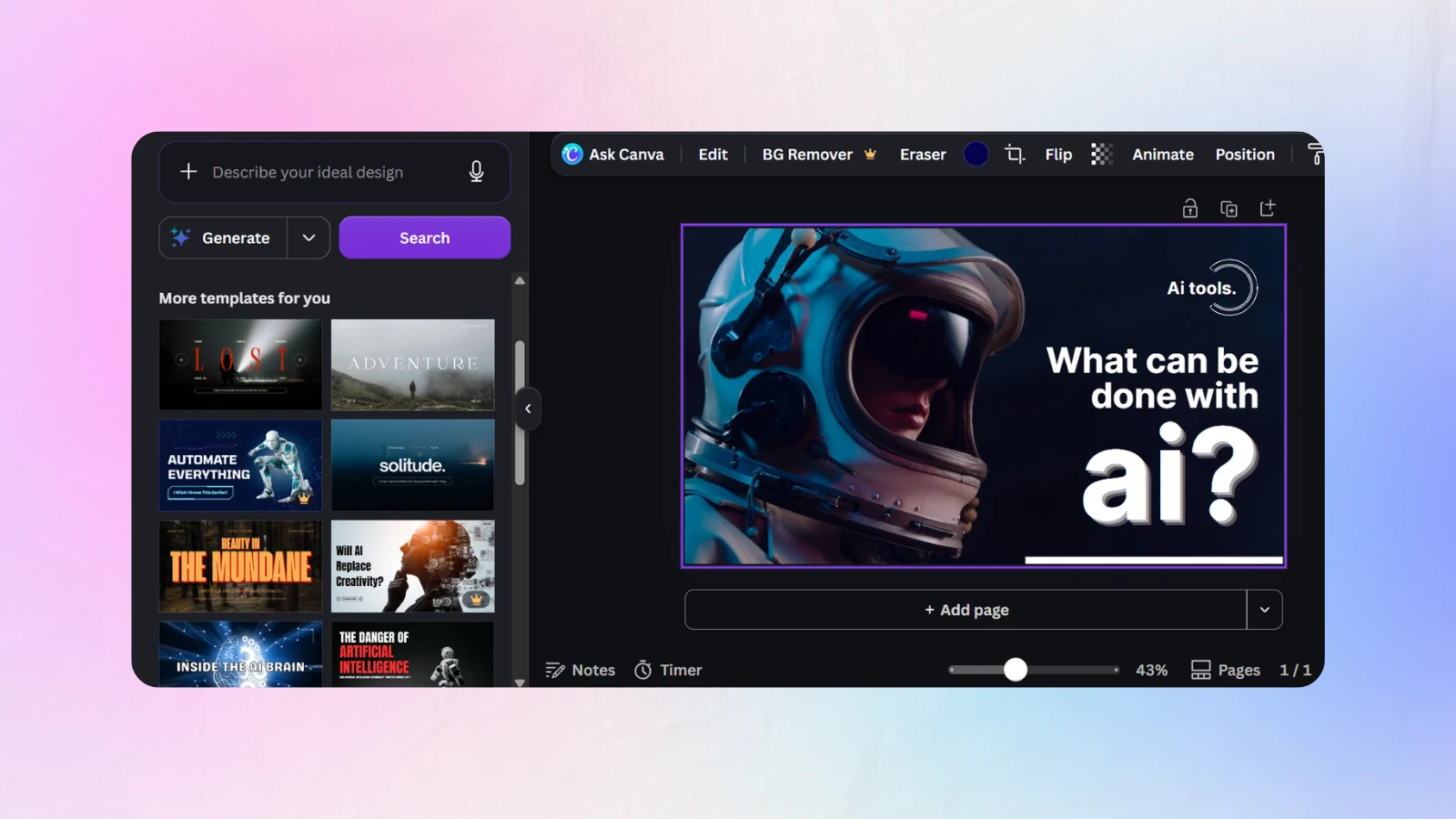
Canva is the default for a reason. Magic Media generates backgrounds, Magic Eraser removes the coffee cup you forgot about, and the YouTube thumbnail preset is already 1280x720 so you cannot get the dimensions wrong.
Key features: thousands of thumbnail templates, background remover, brand kit with locked fonts and colours, text effects that survive at mobile size, real-time collaboration.
Pricing: free tier with a generous template library, Pro around 12 USD per month.
Best for: creators who want to design rather than prompt, and teams who need a shared brand kit.
The catch: the templates are so widely used that a Canva thumbnail can look like a Canva thumbnail. You have to fight the defaults to look distinctive.
2. Pikzels, Best for Photoreal AI Faces
Pikzels solves the single hardest problem in AI imagery: putting a believable version of your face into a generated scene without the uncanny-valley melt.
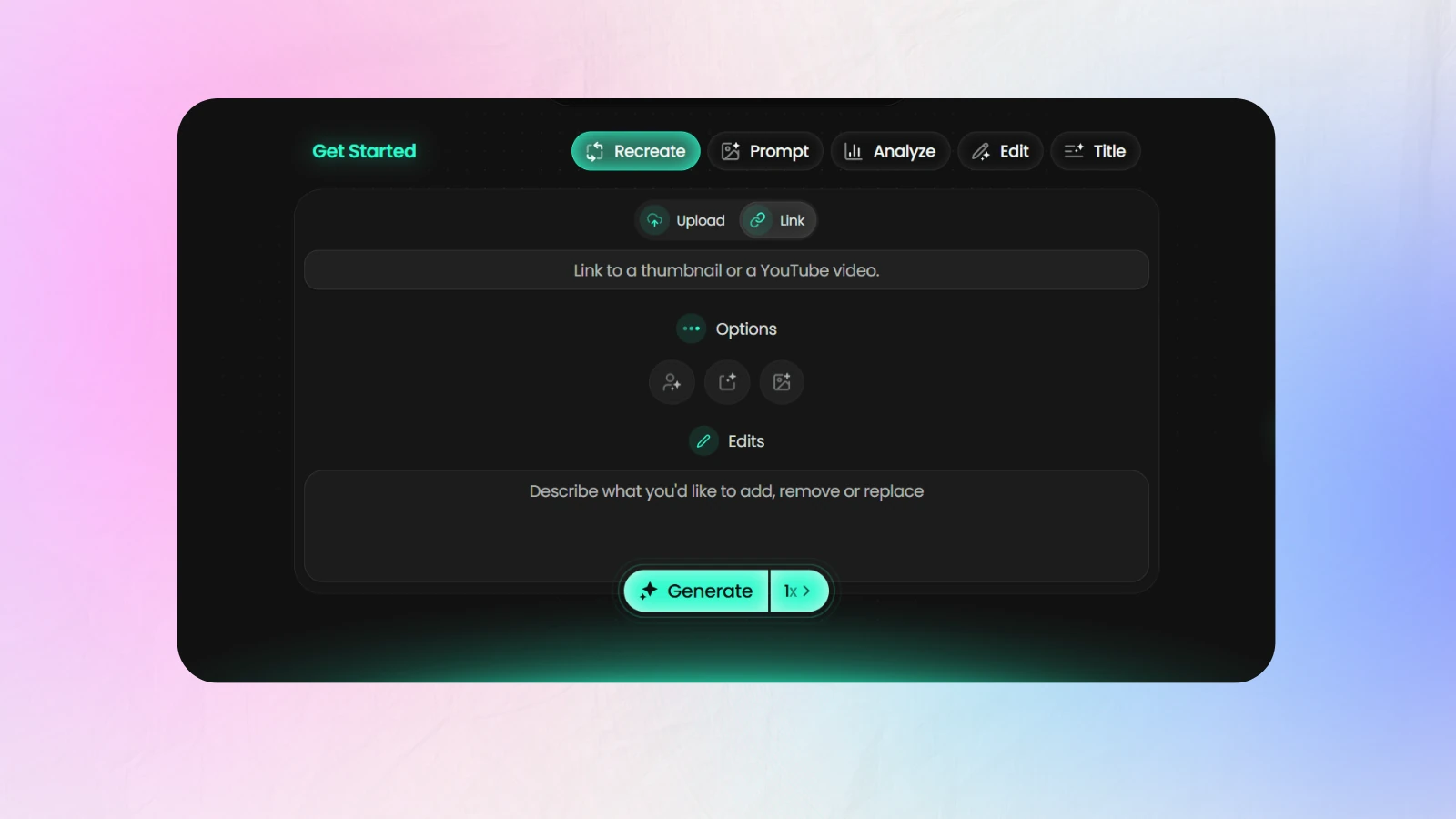
Key features: trained personal likeness models, style presets built from high-CTR reference thumbnails, fast variant generation, expression control.
Pricing: paid only, typically starting around 19 USD per month.
Best for: face-forward channels, commentary, reaction and personality-led content.
The catch: you need to upload a set of reference photos and wait for training. It is excellent once trained and mediocre before that.
3. VidIQ Thumbnail Generator, Best for Data-Driven Creators
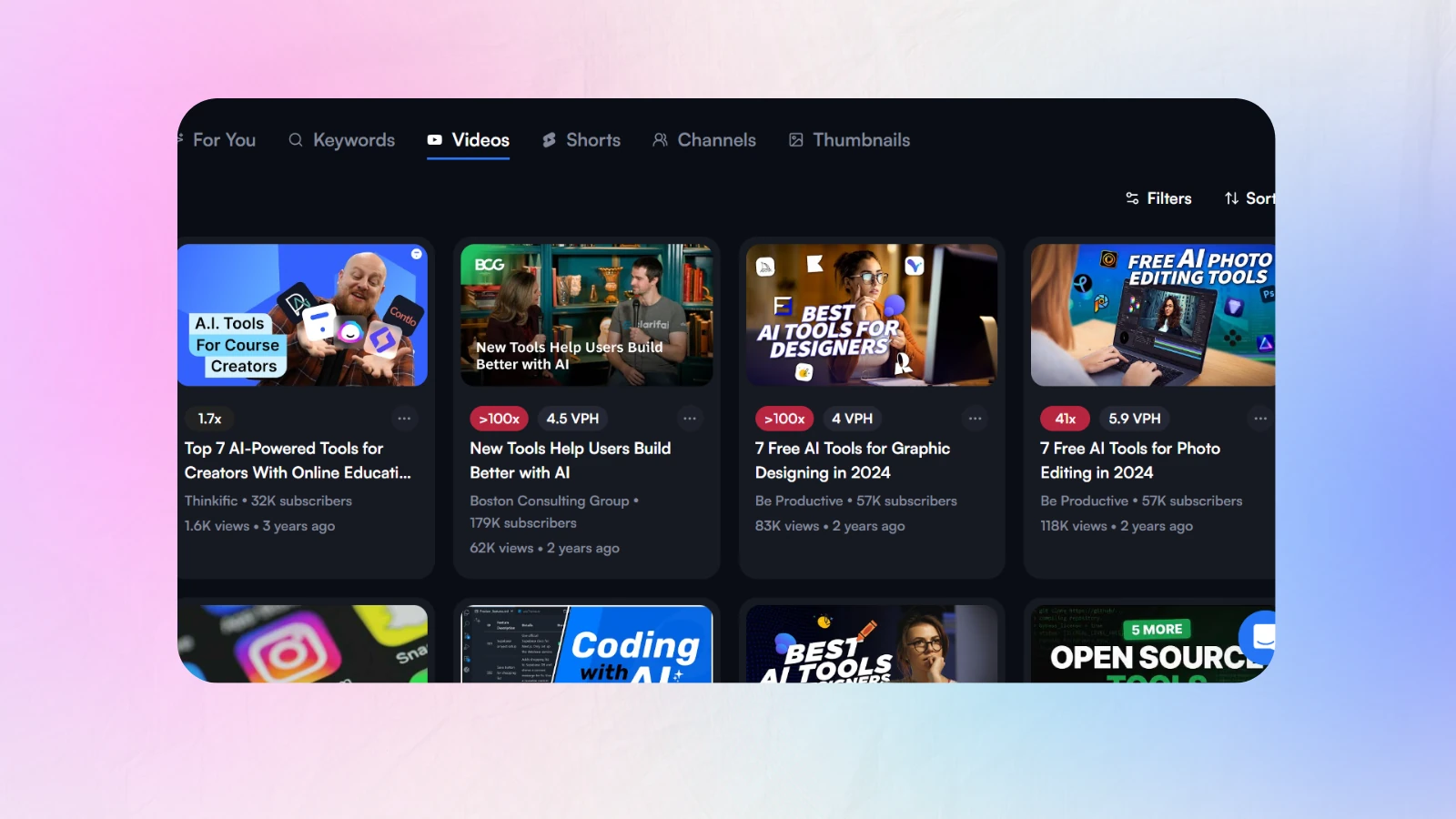
VidIQ approaches thumbnails as an analytics problem. It generates, but its real value is telling you what is already working in your niche before you generate anything.
Key features: competitor thumbnail teardowns, keyword and outlier research, thumbnail A/B testing, CTR benchmarking against similar channels.
Pricing: free tier, paid plans from roughly 10 USD per month.
Best for: creators who want evidence rather than instinct.
The catch: the generated images are the weakest part of the product. Use VidIQ to decide what to make, then make it elsewhere.
4. Creator AI, Best for End-to-End YouTube Workflow
Creator AI is the only tool on this list where the thumbnail is not a separate task. It connects to your channel, learns your voice from three to five existing videos, and generates the script, the thumbnail and the subtitles from the same brief.
That matters more than it sounds. The most common packaging failure is not an ugly thumbnail, it is a thumbnail that promises something the first thirty seconds of the script never delivers. When both come out of the same system, the promise and the payoff stay aligned.
Key features: 1280x720 export with YouTube CTR rules enforced automatically, text capped at three to five words, contrast and safe-zone checks, brand style memory across uploads, thumbnails generated directly from your script's hook, plus scripts, story structure, subtitles and AI dubbing in the same dashboard.
Pricing: free starting credits, paid plans scale with usage. See current pricing.
Best for: solo creators and small teams who publish weekly and are tired of paying for four disconnected tools.
The catch: it is built for YouTube. If you want Instagram carousels and print flyers, use Canva.
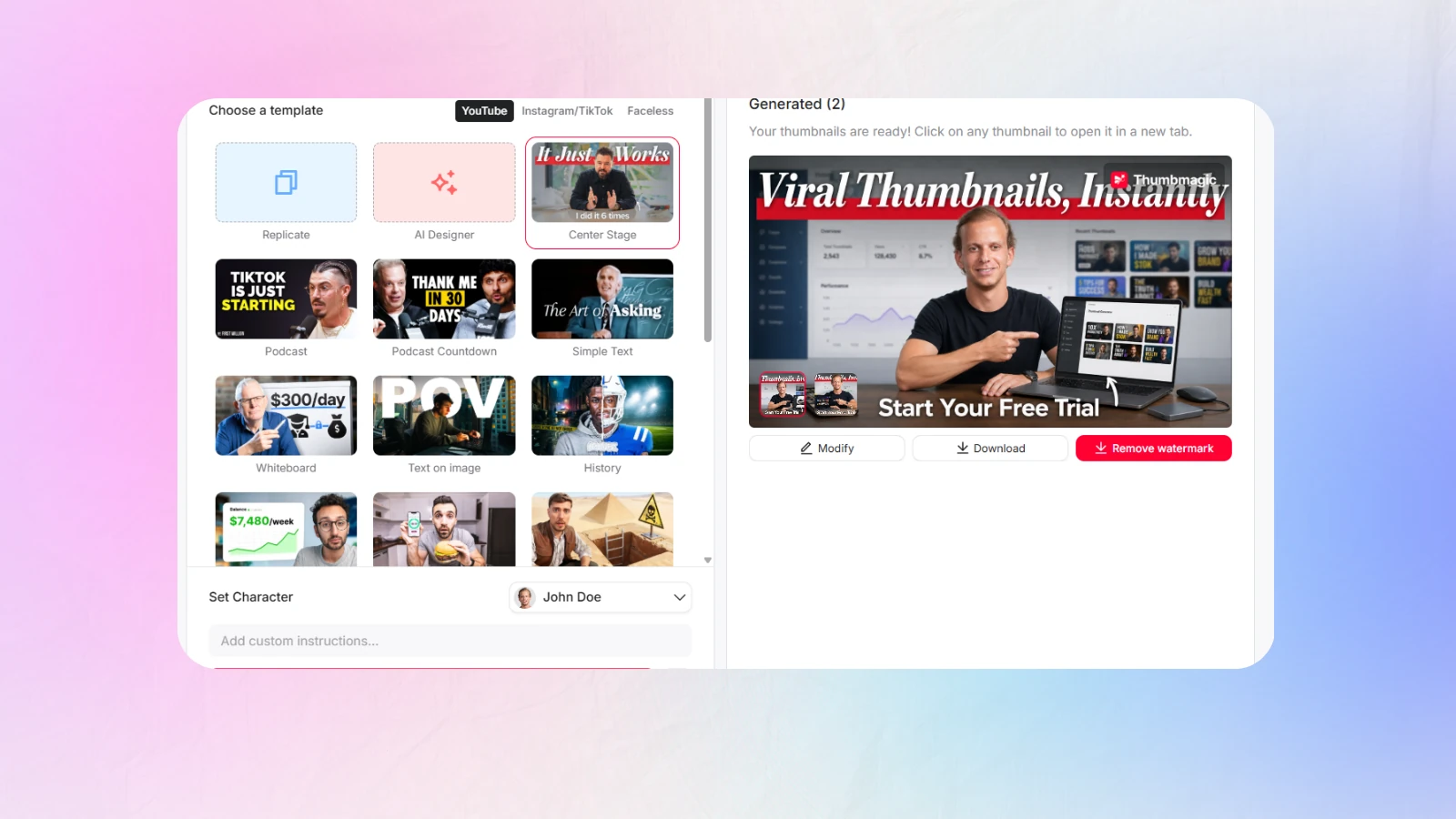
5. Thumbmagic, Best for High-Volume Automation
Thumbmagic is for creators publishing four or more times a week who need a thumbnail pipeline rather than a design session.
Key features: batch generation, style cloning from your best-performing past thumbnails, bulk export, quick text-variant spinning.
Pricing: mid-tier subscription, usually around 15 to 25 USD per month.
Best for: faceless channels, daily uploaders, and anyone running multiple channels.
The catch: batch output rewards consistency and punishes nuance. Great for volume, weak for a flagship video.
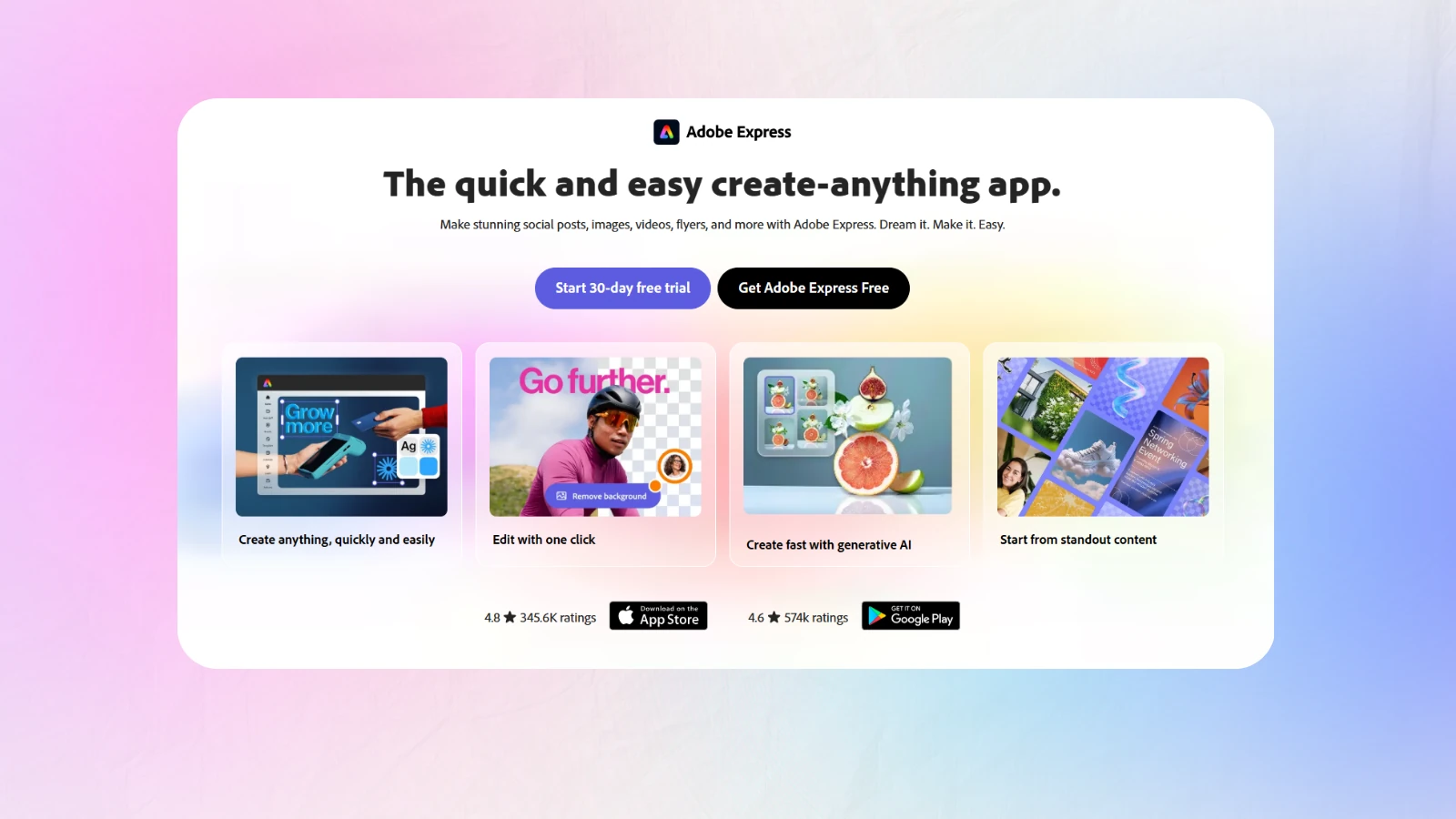
6. Adobe Express, Best for Brand-Locked Teams
Adobe Express brings Firefly generation into a lightweight editor with genuinely strong brand controls and commercially safer training data.
Key features: Firefly text-to-image, brand kits, content scheduling, tight integration with the wider Adobe ecosystem.
Pricing: free tier, premium around 10 USD per month.
Best for: agencies and brand channels with strict visual guidelines.
The catch: it is a general marketing tool. Nothing in it knows what YouTube CTR is.
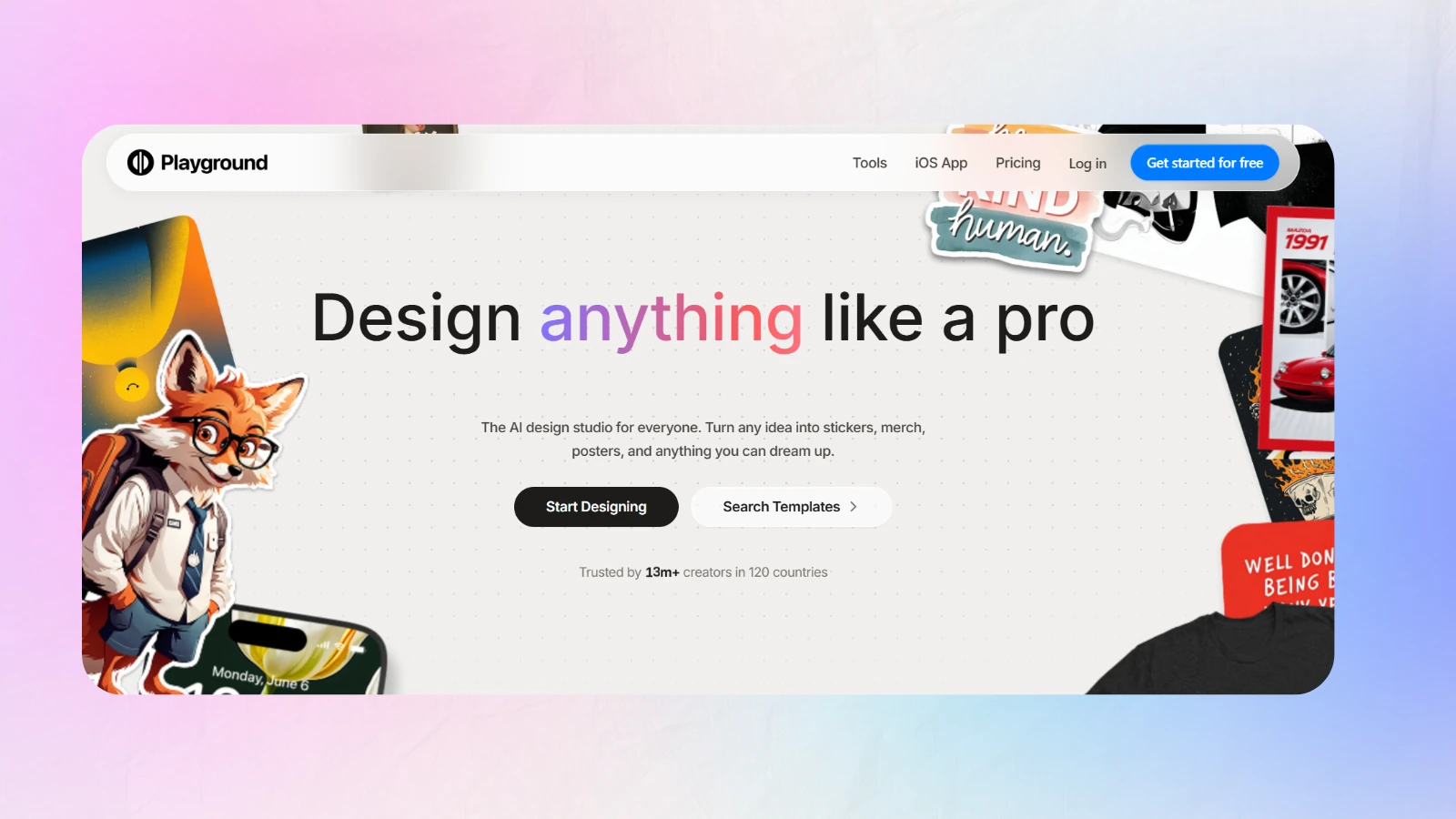
7. Playground AI, Best for Concept Exploration
Playground is where you go when you have no idea what the thumbnail should be. It is a fast, cheap idea machine.
Key features: large free generation allowance, many model styles, canvas editing, strong community prompt library.
Pricing: generous free tier, paid from roughly 12 USD per month.
Best for: concepting, moodboarding, and backgrounds you will composite elsewhere.
The catch: no YouTube presets, no text engine worth using. Treat its output as raw material.
AI Thumbnail Maker Comparison at a Glance
| Tool | YouTube-native export | Text overlay | Face realism | Integrated workflow | Free tier | Best for |
|---|---|---|---|---|---|---|
| Canva AI | Yes, 1280x720 preset | Excellent | Medium | Design only | Yes | All-round design |
| Pikzels | Yes | Basic | Excellent | Standalone | No | Face-led channels |
| VidIQ | Partial | Basic | Low | Research-focused | Yes | Data and testing |
| Creator AI | Yes, CTR rules enforced | Auto-generated | High | Scripts, thumbnails, subtitles, dubbing | Yes, starting credits | End-to-end YouTube workflow |
| Thumbmagic | Yes | Good | Medium | Batch pipeline | Limited | High-volume uploads |
| Adobe Express | Manual sizing | Excellent | Medium | Marketing suite | Yes | Brand-locked teams |
| Playground AI | No | Weak | Medium | Standalone | Yes | Concepting |
How to Choose the Right AI Thumbnail Maker for Your Channel
Skip the feature lists. Answer three questions honestly.
Question 1: How many videos do you publish per week?
One or fewer, pick the tool with the best ceiling, usually Canva AI or Pikzels, because you have time to fuss. Two to three, pick the integrated option so packaging never becomes the bottleneck. Four or more, you need batching, and Thumbmagic or Creator AI's style memory will save your weekends.
Question 2: Is your face in the thumbnail?
If yes, face realism is the only spec that matters and Pikzels or Creator AI belong on your shortlist. If your channel is faceless, that entire category of difficulty disappears and template quality becomes the deciding factor.
Question 3: What is actually breaking?
If your thumbnails look fine but your CTR is flat, you have a positioning problem, not a design problem, and VidIQ's competitor research will help more than any generator. If your CTR is fine but you dread making thumbnails, buy speed.
5 Mistakes That Kill AI Thumbnail Performance
Mistake 1: Trusting the first generation
The first output is a draft. Generate three, put them side by side at 15% zoom, and pick the one still readable. The fix: never ship generation number one.
Mistake 2: Ignoring the audience you already have
An AI thumbnail maker does not know your returning viewers recognise your yellow border. The fix: lock your brand elements before you prompt, not after.
Mistake 3: Text overload
Seven words on a desktop preview is fine. On a phone it is noise. The fix: three to five words, always, tested at thumbnail size.
Mistake 4: Forgetting thumbnail fatigue
The same shocked-face template stops working around upload thirty. The fix: rotate one variable, colour, expression or composition, every six to eight videos.
Mistake 5: Using AI as a crutch instead of a tool
Generating fifty thumbnails without a hypothesis is not testing, it is gambling. The fix: write down what each variant is testing before you generate it. Our breakdown of thumbnail mistakes killing your CTR has side-by-side examples.
Our Step-by-Step AI Thumbnail Workflow
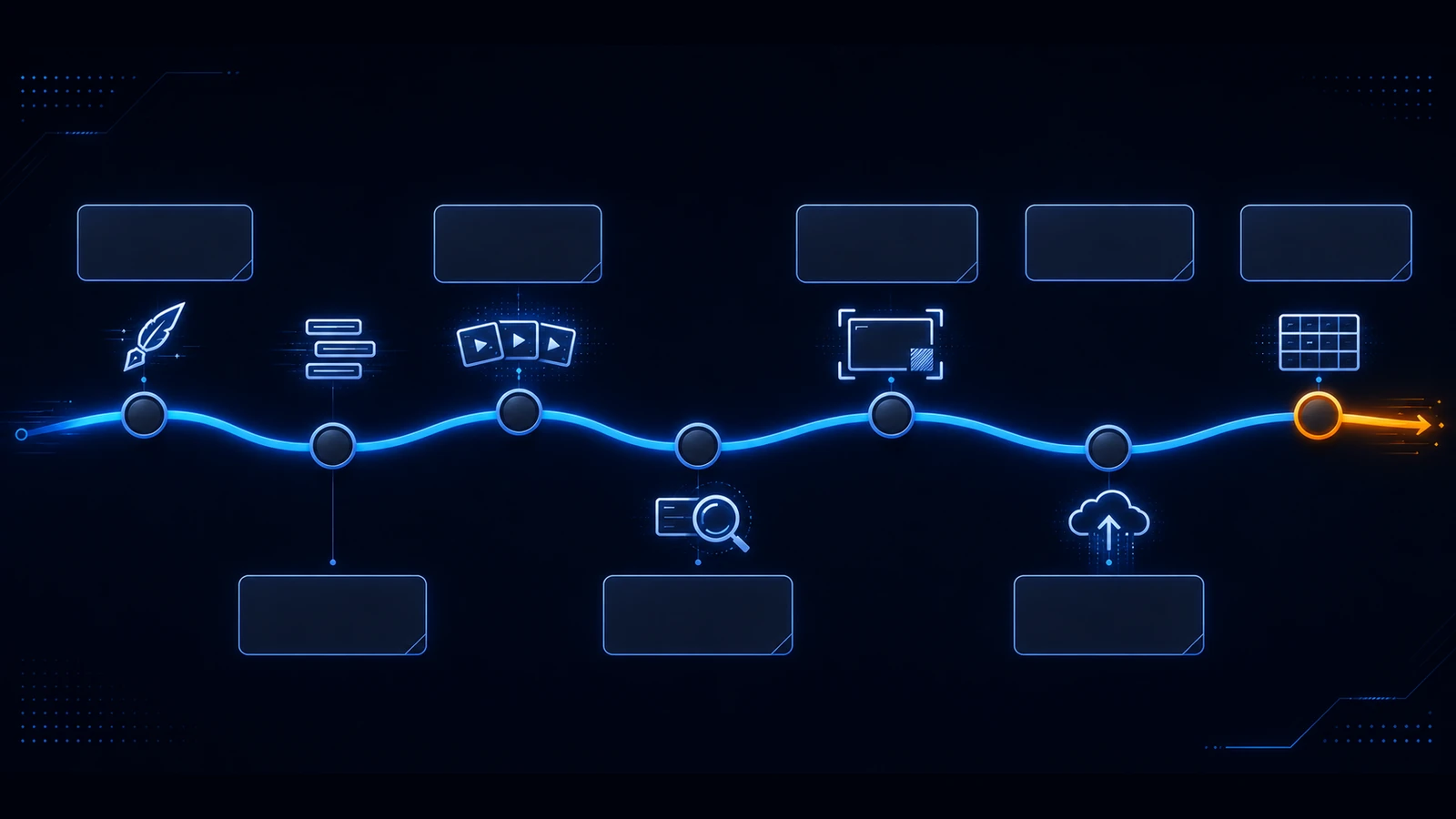
- Write the hook first. The thumbnail sells the promise the first thirty seconds must keep.
- Extract three words from that hook. Not the title, the promise.
- Generate three concepts with the same brief and different compositions.
- Shrink to 15% and squint. Whatever survives is the candidate.
- Check the safe zone. The bottom-right corner is covered by the duration stamp.
- Ship, wait for a few thousand impressions, then swap once.
- Log what happened. A spreadsheet with concept, CTR and date beats memory every time.
Creator AI collapses steps one to three because the thumbnail is generated from the script's hook, which is also why we ended up keeping it. If you want the same logic applied to what you film, read how to write YouTube scripts that get more views.
Advanced Tips for the Extra 2 to 3% CTR
Contrast beats colour. A muted thumbnail with strong luminance separation outperforms a saturated one with none. Convert your thumbnail to greyscale, if the subject vanishes, so will the click.
Curiosity beats clarity, up to a point. Show the outcome, hide the mechanism. "I built this in 4 hours" outperforms "How I built a shelf".
Faces are processed faster than words. The visual cortex handles a facial expression in a fraction of the time it takes to parse three words, so lead with emotion and let the text confirm it.
Match the thumbnail to the retention curve. If viewers drop at 0:45 every time, the thumbnail is over-promising. Our guide to improving audience retention covers the diagnosis.
Test one variable at a time. Two changes at once tell you nothing about either.
Your Action Plan for the Next 7 Days
If you are brand new: pick one tool, make three thumbnails for your next video, ship the one that survives the squint test. That is the whole assignment.
If you are intermediate and plateaued: pull your last ten videos' CTR, find the two outliers, and work out what they share. Rebuild your template around that, not around a trend.
If you are scaling: stop treating thumbnails as a per-video task. Build a style system, put it in a tool with brand memory, and spend your saved hours on hooks. See Creator AI's features for how the script and thumbnail steps connect.
The Honest Verdict
The tool matters far less than the loop. Every AI thumbnail maker on this list can produce a thumbnail that outperforms what most creators ship manually, because most creators ship the first idea they had.
What separates the 3% channels from the 8% channels is that the 8% channels make three, measure one, and change one thing next time. Pick whichever AI thumbnail maker removes the most friction from that loop, then run it for twenty uploads before you judge it.
For us, that meant an AI thumbnail maker wired into the script, so packaging stopped being the thing we did at midnight after the export finished.
Keep Reading
- Best AI Thumbnail Generator for YouTube Creators (2026)
- 5 Thumbnail Mistakes Killing Your CTR (2026)
- How to Find Trending YouTube Video Topics
- Generate your next thumbnail from your script, start free or see pricing.
- Reference: YouTube thumbnail requirements and best practices and YouTube creator guidance.