
Why Script Structure Matters More Than You Think
Most creators think great videos come from great topics. But the truth is, a mediocre topic with a great script will outperform an amazing topic with a bad script every single time. The best YouTube scripts aren't better written, they're better structured.
YouTube's algorithm prioritizes average view duration. If viewers click but leave in the first 30 seconds, your video is dead. Well-structured YouTube scripts are your best weapon against that, and YouTube's own retention reporting shows exactly where unstructured videos bleed viewers.
The Anatomy of a High-Retention Script
The Hook (First 10 Seconds)
You have exactly 10 seconds to convince someone to keep watching. The hook should:
- Create curiosity: "There's one mistake 90% of creators make, and it's costing them thousands of views."
- Promise value: "By the end of this video, you'll know exactly how to double your retention."
- Be unexpected: "I'm going to tell you why everything you know about YouTube thumbnails is wrong."
Avoid starting with "Hey guys, welcome back to my channel." That's a guaranteed drop-off.
The Setup (10–60 Seconds)
After the hook, briefly establish:
- What the video is about
- Why it matters to the viewer
- What they'll learn or gain
Keep it tight. No long backstories. Viewers are still deciding if they want to commit.
The Body (The Core Content)
This is where you deliver on your promise. Structure tips:
Use numbered lists or clear sections. Viewers like knowing where they are in the video. "Tip #3 of 7" keeps them anchored.
Add pattern interrupts every 60–90 seconds. A pattern interrupt is anything that breaks the visual or auditory monotony:
- B-roll footage
- A quick joke or aside
- Changing camera angle
- An on-screen graphic
Create open loops. An open loop is when you tease something coming later: "And tip #5 is the one that completely changed my workflow, but we'll get to that." This keeps viewers watching to get the payoff.
The Close (Last 30 Seconds)
- Summarize the key takeaway
- Add a clear call-to-action (subscribe, comment, watch next video)
- End with energy, don't trail off
Common Script Mistakes
- Writing for reading, not speaking. Read your script out loud. If it sounds stiff, rewrite it.
- Too much setup. Get to the value fast. If your intro is longer than 60 seconds, trim it.
- No emotional hooks. Facts inform, emotions engage. Tie your content to feelings.
- Forgetting the CTA. Always tell viewers what to do next.
A Template for YouTube Scripts You Can Steal
If you want a repeatable skeleton for YouTube scripts that get more views, start every draft from this four-block template and fill in your topic:
- Hook (0:00–0:10): one sentence of curiosity or a bold promise. No "welcome back."
- Stakes (0:10–0:45): why this matters to them, plus a one-line preview of the payoff so they know staying is worth it.
- Body (bulk of the video): 3–7 clearly labeled sections, each opening a small loop and closing it before the next. Drop a pattern interrupt every 60–90 seconds.
- Payoff + CTA (final 30s): deliver the promised result, then one specific ask (watch the next video, subscribe, comment a keyword).
The reason this works for almost any niche is that it maps to how attention actually decays. Great YouTube scripts don't fight that decay with more information; they manage it with pacing.
Before and After: The Same Idea, Two Scripts
Watch what structure alone does. Same topic, "how to edit faster," written two ways.
Weak opening: "Hey everyone, in today's video I want to talk about some editing tips that have helped me over the years. Before we start, make sure to subscribe." Viewers are already reaching for the back button.
Strong opening: "I cut my editing time in half last month, and it came down to three shortcuts nobody talks about. The third one felt illegal." That is the difference between YouTube scripts that leak viewers and YouTube scripts that hold them, and it is entirely structural, not a matter of talent or topic.
The takeaway: once you internalize the template above, writing YouTube scripts that get more views becomes a process you can run on every upload instead of a lucky accident. And that process is exactly what you can automate.
One more thing separates the top 1% of YouTube scripts: they respect the viewer's time. Every sentence either advances the promise or opens a loop; nothing is filler. When you edit, be ruthless, read each line and ask "does this earn the next five seconds of attention?" If not, cut it. Creators who tighten their scripts this way often find a 12-minute draft becomes a punchier 8-minute video that holds far more of the audience. Retention isn't about making longer videos; it's about making every second of your YouTube scripts pull its weight. That single editing habit, applied consistently, will do more for your average view duration than chasing a new topic ever will. Master the structure first, and every topic you pick up afterward inherits it, which is why strong writers can make even a "boring" subject hold an audience to the end.
How Creator AI Helps
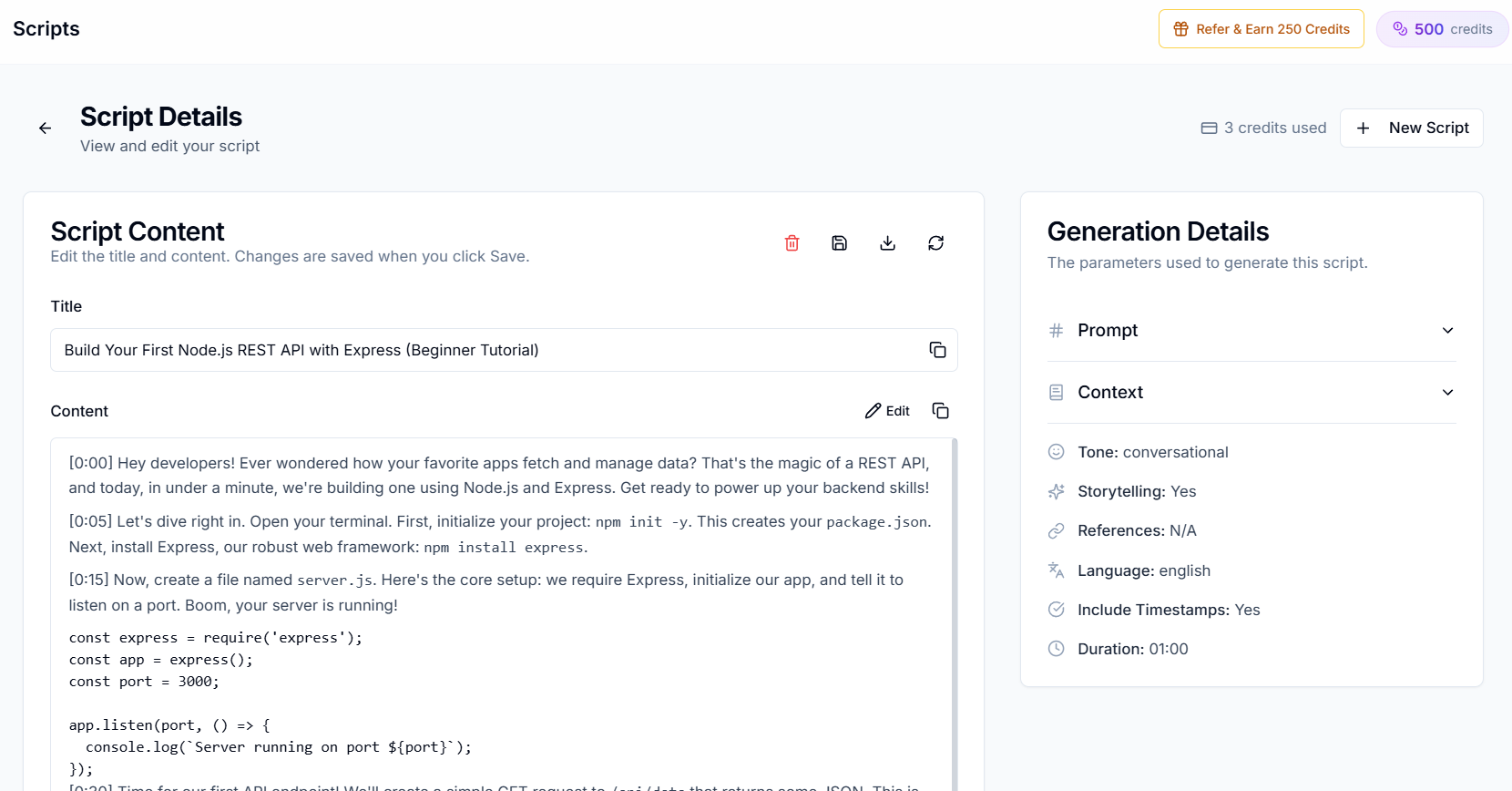
Creator AI generates scripts using these retention principles automatically. Every script includes:
- A curiosity-driven hook
- Properly paced body sections with built-in pattern interrupt markers
- Natural CTAs placed at engagement peaks
- All written in your personal voice
You can go from topic idea to camera-ready script in under 3 minutes.
Keep Reading
- Story Structure 101: Plan Videos That People Actually Finish
- How to Make AI Scripts Sound More Human on YouTube
- Generate a retention-optimized draft with the AI script writer, try it free.
- Learn script fundamentals from the YouTube Creator Academy and dig into audience retention metrics.