
What is the best AI thumbnail design tool in 2026? For pure design range it is Canva Magic Studio, for editing inside your video timeline it is CapCut, and for creators who want the cover image generated from the script it is Creator AI. Good ai thumbnail design is not about the prettiest render, it is about export accuracy, text legibility at 120 pixels wide, and how fast you can produce a second and third variant worth testing. The comparison table below scores all seven tools on exactly those things.
Why AI Thumbnail Design Matters in 2026
First impressions decide the click
Your video cover image is doing the job a book jacket does, in a hundredth of the time and a tenth of the space. Viewers scroll a feed of competing rectangles and give each one under a second.
Impressions click-through rate on YouTube usually lands between 2% and 10%. The channels that live in the upper half are not making better videos than the ones stuck at the bottom. They are making better covers, more often.
Efficiency finally meets craft
Until recently, good ai thumbnail design meant either paying a designer per video or losing an evening to layer masks. Generative tools collapsed that. A background, a cutout, a colour grade and three words is now a two-minute job.
The trap is thinking speed alone fixes CTR. It does not. Speed only matters because it lets you test, and testing is what moves the number.
Design has become measurable
Every serious tool now bolts analytics onto ai thumbnail design: variant testing, competitor teardowns, CTR benchmarking against channels your size. YouTube's own guidance on thumbnails has moved the same way, from "make it look nice" to specific, checkable requirements.
How We Scored These AI Thumbnail Design Tools
Five criteria, weighted for how creators actually work:
- Export accuracy. Does it hand you a clean 1280x720 file, or something you have to crop?
- Text control. Can you set a three-word headline that stays sharp and readable at mobile size?
- Subject quality. Cutouts, faces, hands, hair. This is where cheap generators fall apart.
- Iteration speed. Time from brief to a genuinely different third variant.
- Workflow fit. Does it live near the rest of your production, or is it another tab?

A Quick Comparison of AI Thumbnail Design Tools in 2026
| Rank | Tool | Export accuracy | Text control | Subject quality | Iteration speed | Workflow fit | Starting price |
|---|---|---|---|---|---|---|---|
| 1 | Canva Magic Studio | Excellent, 16:9 preset | Excellent | Good | Fast | Design only | Free, Pro ~12 USD/mo |
| 2 | CapCut | Excellent | Very good | Good | Fast | Inside video editor | Free, Pro ~8 USD/mo |
| 3 | Fotor | Very good | Good | Good | Very fast, batch | Standalone | Free, Pro ~9 USD/mo |
| 4 | Creator AI | Excellent, CTR rules enforced | Auto, capped at 3-5 words | High | Very fast from script | Scripts, thumbnails, subtitles, dubbing | Free credits, then usage-based |
| 5 | Leonardo.Ai | Manual sizing | Weak | Excellent | Medium | Standalone | Free tier, paid ~10 USD/mo |
| 6 | Clipdrop | Good | Weak | Excellent cutouts | Fast | Utility, not a suite | Free tier, paid ~9 USD/mo |
| 7 | Picsart AI | Good | Good | Medium | Fast, batch | Mobile-first | Free, Gold ~5 USD/mo |
The 7 Best AI Thumbnail Design Tools
1. Canva Magic Studio, the Broadest Design Suite
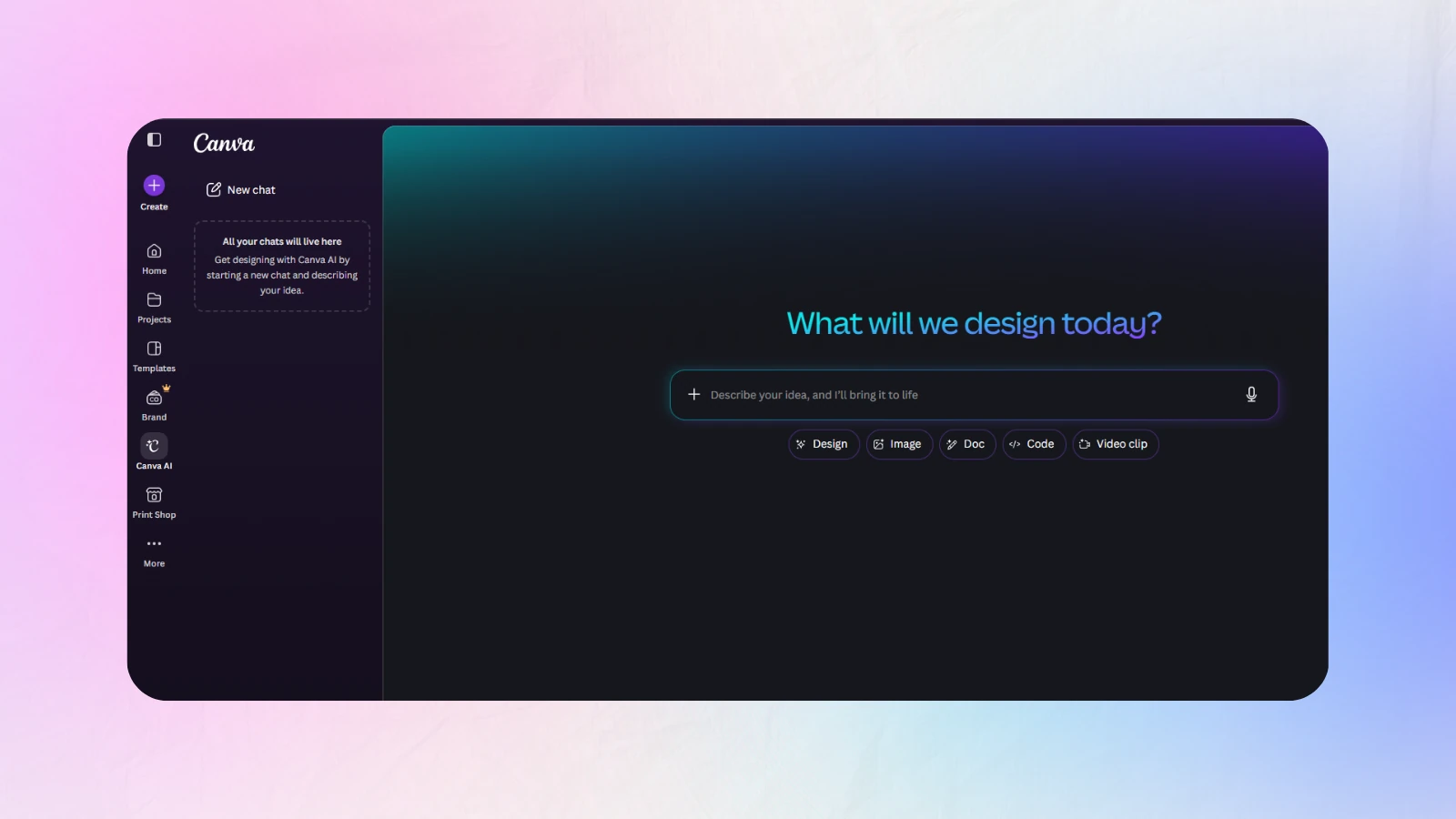
Canva remains the safest single answer. Magic Media generates backgrounds from a prompt, Magic Eraser cleans the frame, and the brand kit keeps every cover on-palette.
Key features: YouTube thumbnail preset at 1280x720, enormous template library, background remover, brand kit, one-click resize into every other platform, real-time collaboration.
Pros: best-in-class text engine, gentle learning curve, generous free tier, works on any device.
Cons: template ubiquity means your cover can look like everyone else's, and none of the AI understands YouTube CTR specifically.
Ideal for: creators who publish across YouTube plus two or three social platforms.
2. CapCut, Best Inside Your Video Timeline
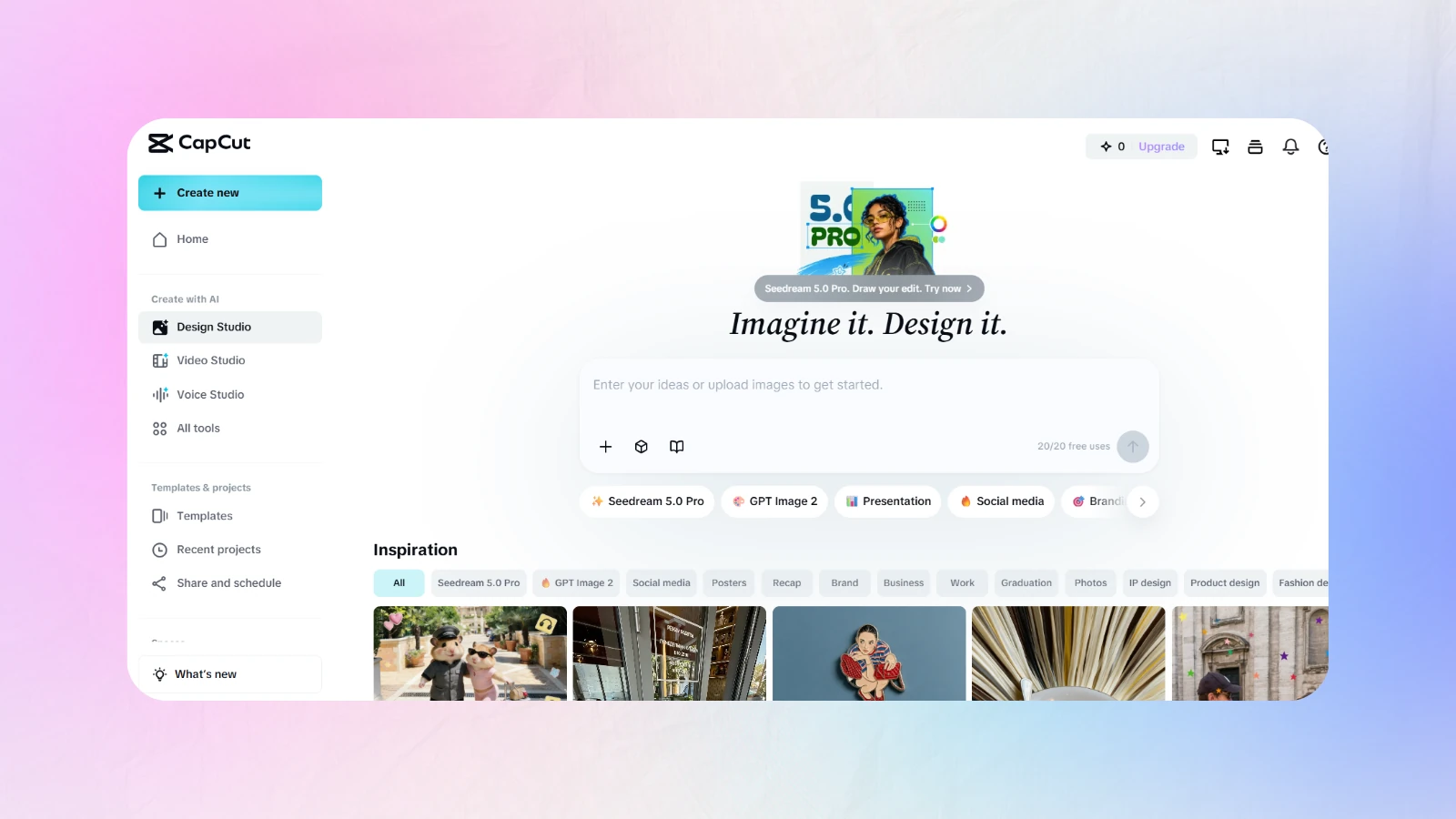
CapCut's advantage is proximity. You are already in the editor, so pulling a frame, upscaling it and building the cover image never breaks your flow.
Key features: AI image generation, auto background removal, frame extraction from the timeline, template library aimed at short-form and long-form, cross-device sync.
Pros: no context switch, strong free tier, excellent for creators who cut their own video.
Cons: the design tools are shallower than a dedicated suite, and organising assets across projects gets messy fast.
Ideal for: solo editors who want the cover made before the export finishes.
3. Fotor, Fast and Template-Rich
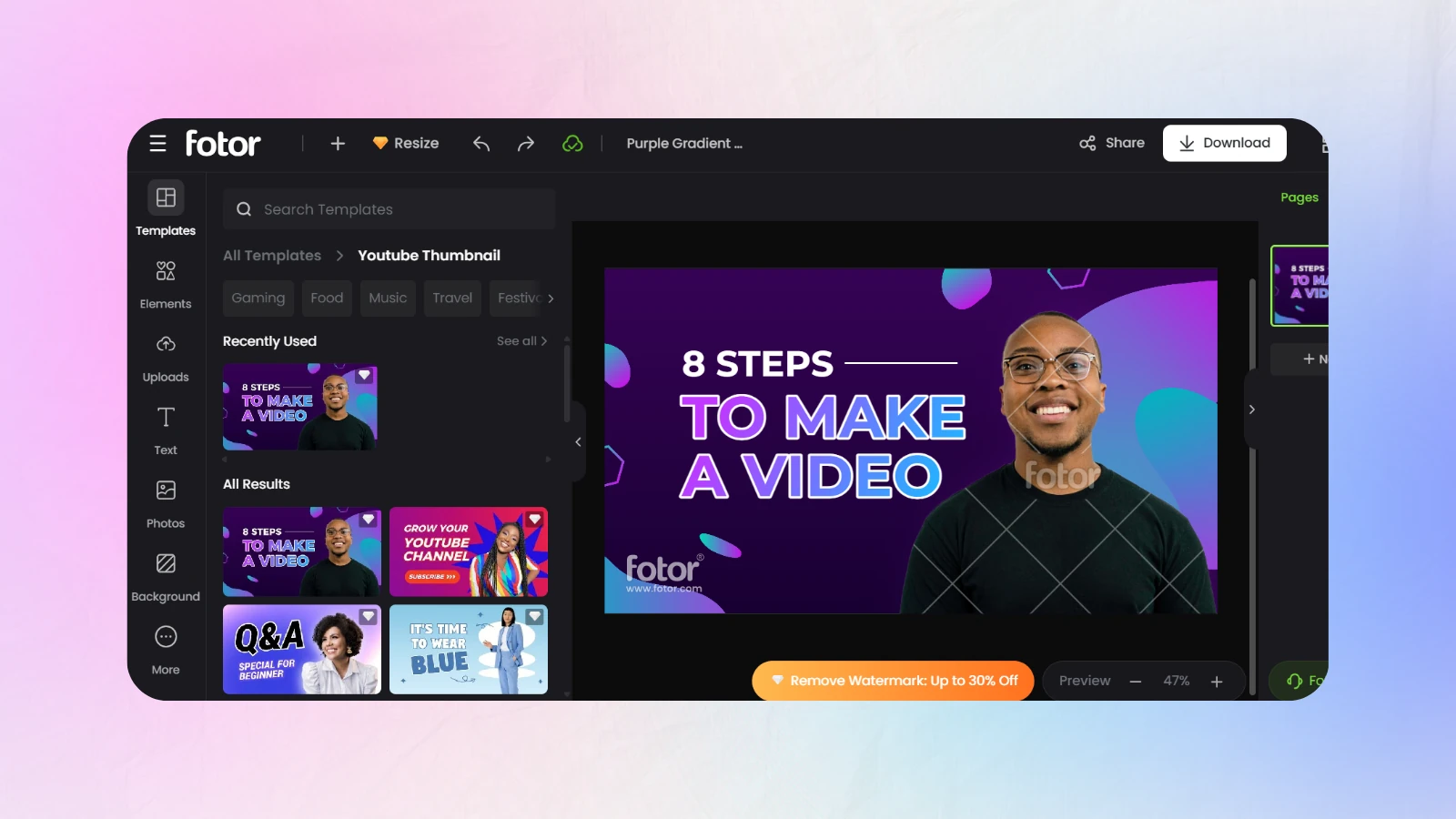
Fotor is the volume play. It is not the most sophisticated tool here, but it produces acceptable covers faster than almost anything else.
Key features: one-click AI enhancement, large thumbnail template set, batch processing, AI image generator, straightforward text tools.
Pros: very fast, cheap, batch mode is genuinely useful for series content.
Cons: quality ceiling is lower than Canva's, and the free tier watermarks.
Ideal for: high-frequency uploaders and faceless channels running a fixed format.
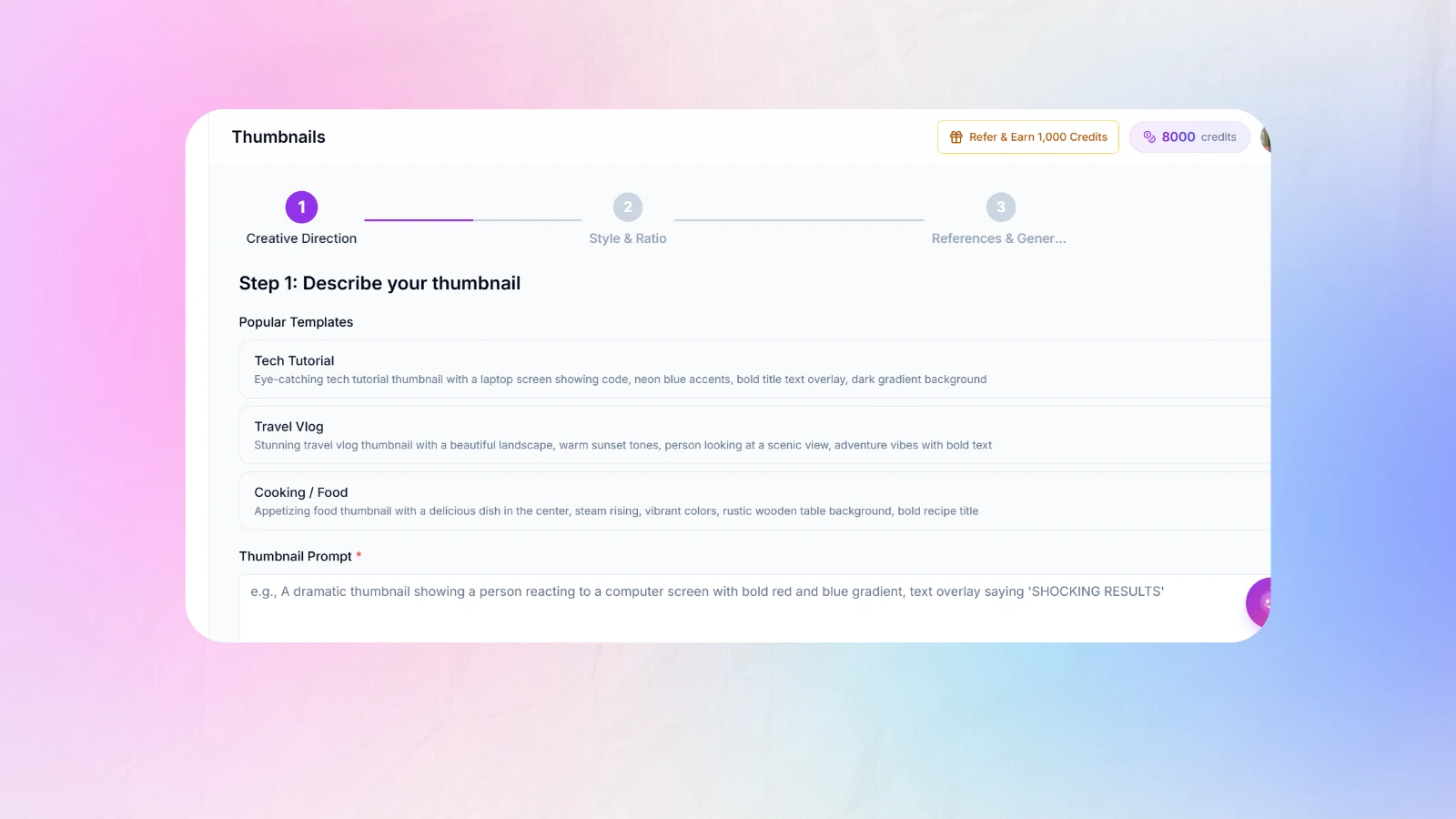
4. Creator AI, Thumbnail Design Tied to Your Script
Creator AI approaches ai thumbnail design from the opposite direction to everything else on this list. Instead of starting with a canvas, it starts with your video.
It connects to your YouTube channel, learns your voice from three to five existing uploads, and generates the script, the cover image and the subtitles from the same brief. The thumbnail is built from the script's hook, so the promise on the cover and the payoff in the first thirty seconds are the same promise.
Key features: 1280x720 export with CTR rules enforced automatically, text capped at three to five words, contrast and safe-zone checks, brand style memory so covers stay recognisably yours, thumbnails generated straight from the script, plus story structure, subtitles and AI dubbing in one dashboard.
Pros: no context switch at all, packaging and content cannot drift apart, style memory keeps a channel visually coherent, free starting credits, one subscription instead of four.
Cons: purpose-built for YouTube. If you need print collateral or Instagram carousels, this is not that tool.
Ideal for: solo creators and small teams publishing weekly who are tired of paying for a script tool, a design tool, a subtitle tool and a dubbing tool separately. See Creator AI features and pricing.
5. Leonardo.Ai, Professional-Level Customisation
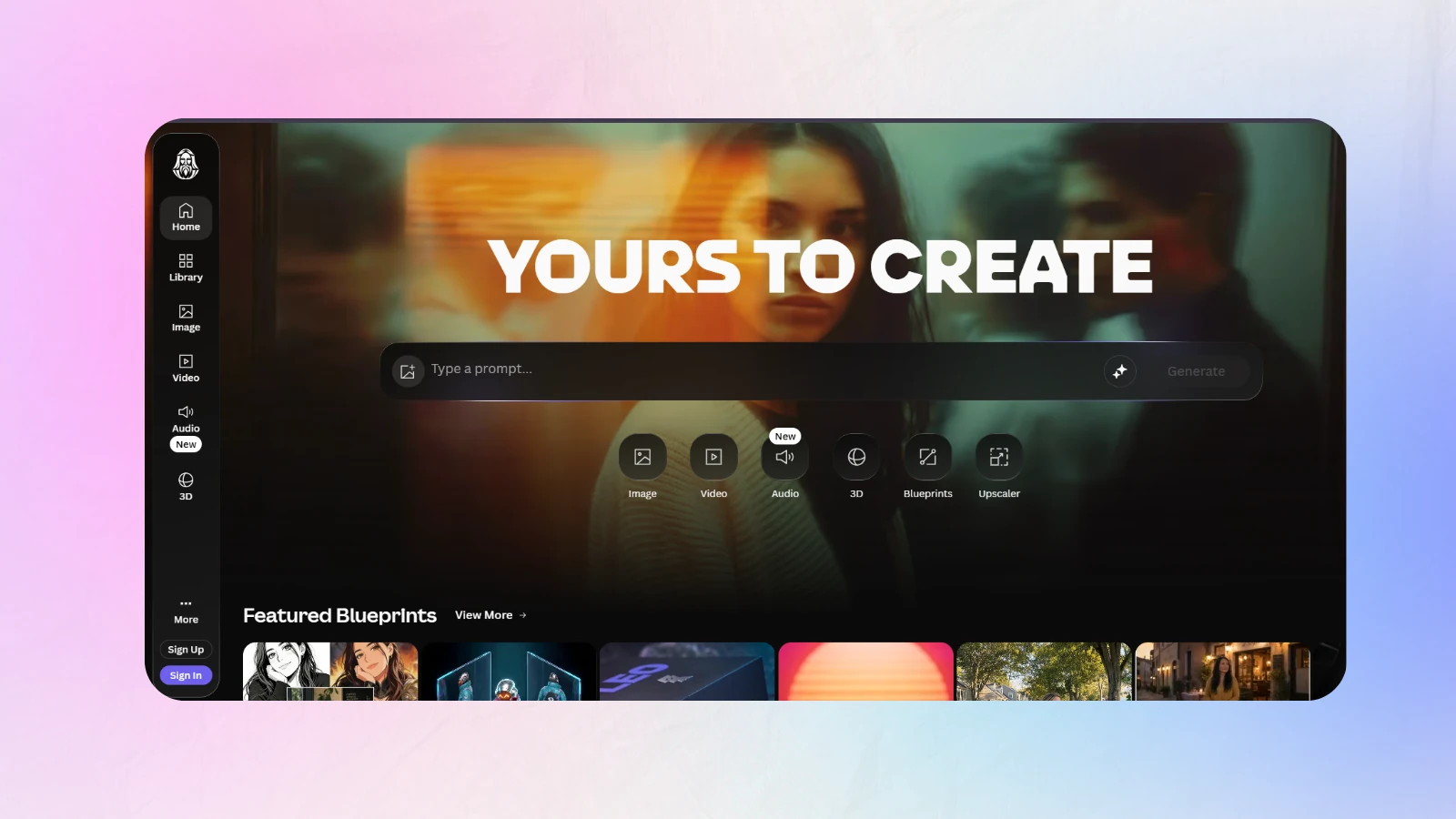
Leonardo is the choice when the image itself has to be exceptional and you are willing to work for it.
Key features: fine-tuned model selection, custom trained styles, image guidance and control, high-resolution upscaling, prompt magic controls.
Pros: best raw image quality in this group, deep control over style consistency, strong community models.
Cons: no meaningful text engine, no YouTube preset, and a real learning curve.
Ideal for: channels where the thumbnail is illustrative rather than face-led, and creators who composite in a second tool.
6. Clipdrop, Best Cutouts and Cleanups
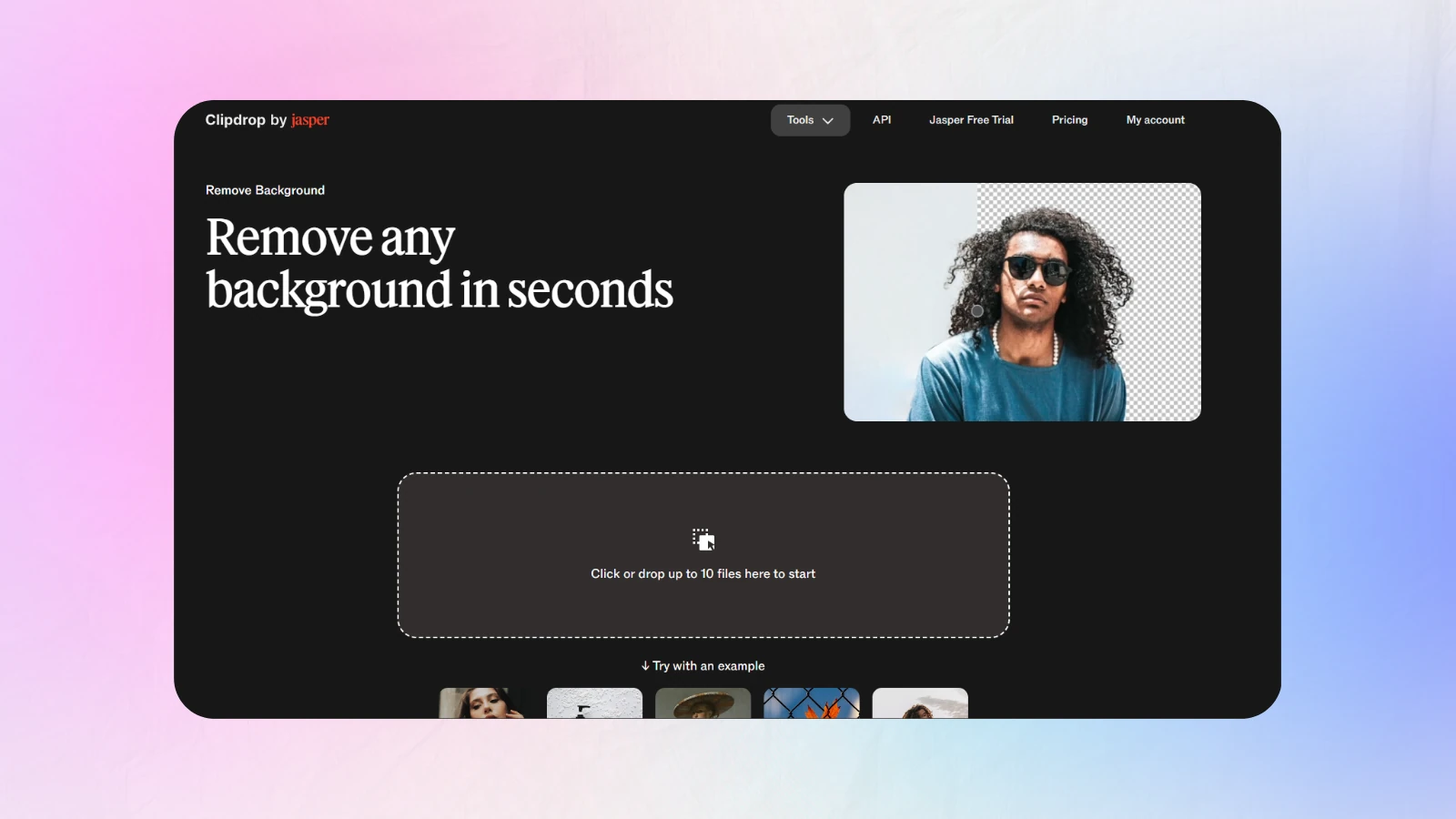
Clipdrop is not a suite, it is a set of very good utilities. Its background removal and relighting are the best in this list.
Key features: background removal, relight, uncrop, cleanup, upscale, text-to-image.
Pros: surgical quality on cutouts including hair, fast, cheap.
Cons: you still need somewhere to lay out the final cover, and text handling is minimal.
Ideal for: face-led creators who shoot their own subject photography and need a clean cutout every week.
7. Picsart AI, Quick Creative Output on Mobile
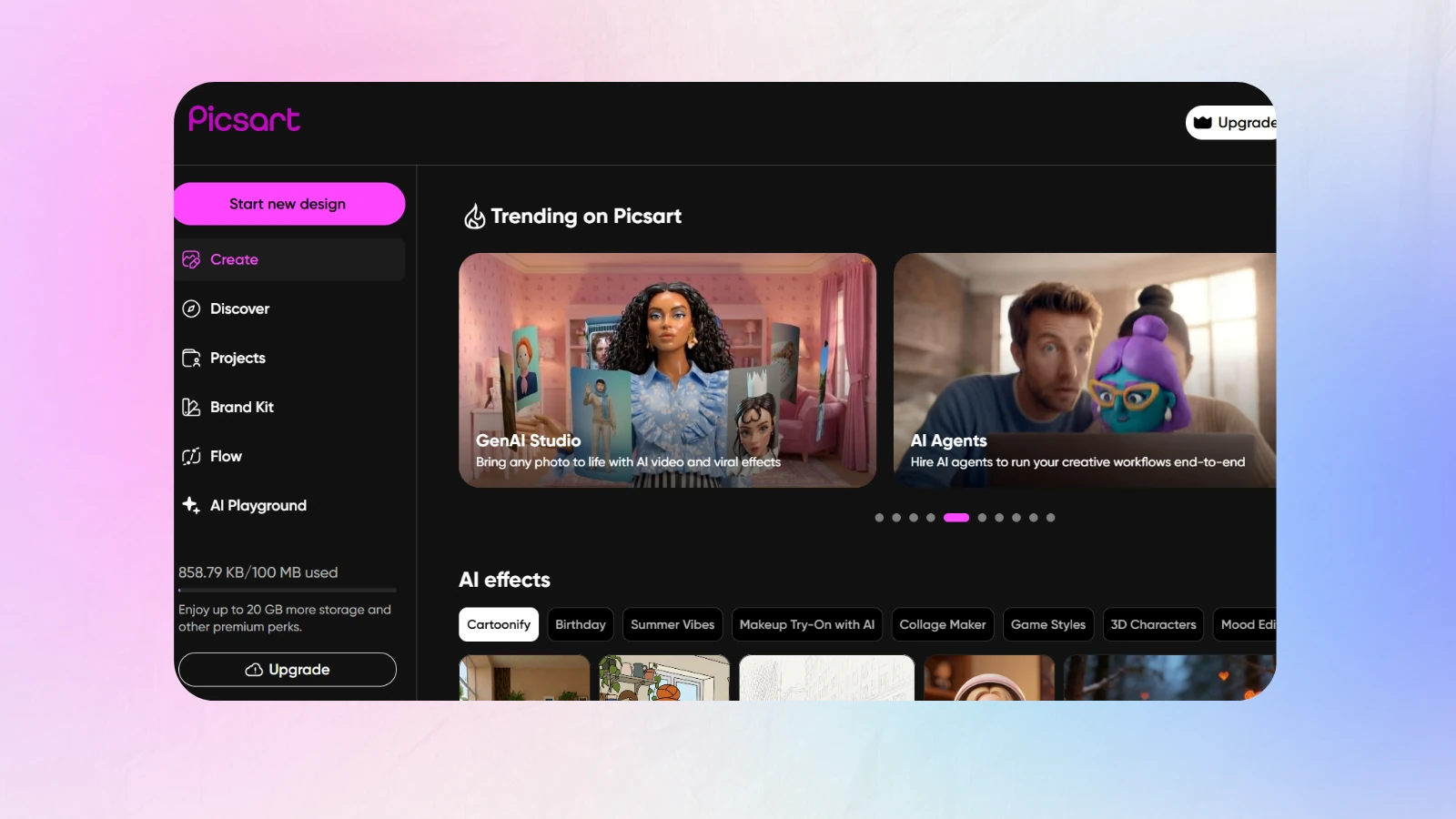
Picsart is the phone-first option, and for a lot of creators that is the honest workflow.
Key features: AI image generator, sticker and effect library, background remover, batch editing, mobile and web parity.
Pros: genuinely usable on a phone, huge asset library, cheap.
Cons: consumer-oriented interface, quality is inconsistent, and the app pushes upsells hard.
Ideal for: creators editing on mobile and short-form-first channels moving into long-form.
Real-World Use Cases by Channel Type
Tutorial channels. Show the finished result, not the process. A cover showing the assembled shelf outperforms a cover showing a person holding a drill, because the result is the promise.
Commentary and reaction. The face is the product. Spend your effort on expression and lighting, not on background complexity.
Listicles and rankings. A number in the cover image is one of the few text elements that survives at 120 pixels wide. Use it.
Case studies and finance. One chart shape, one number, one word. Restraint reads as credibility in this niche, and clutter reads as a scam.
Multilingual channels. Generate one master cover, then swap only the text per language. Pair it with translated subtitles and dubbed audio, our guide to dubbing YouTube videos into multiple languages covers the audio side.
Smart Strategies for High-Click Video Covers
Prioritise clarity over decoration
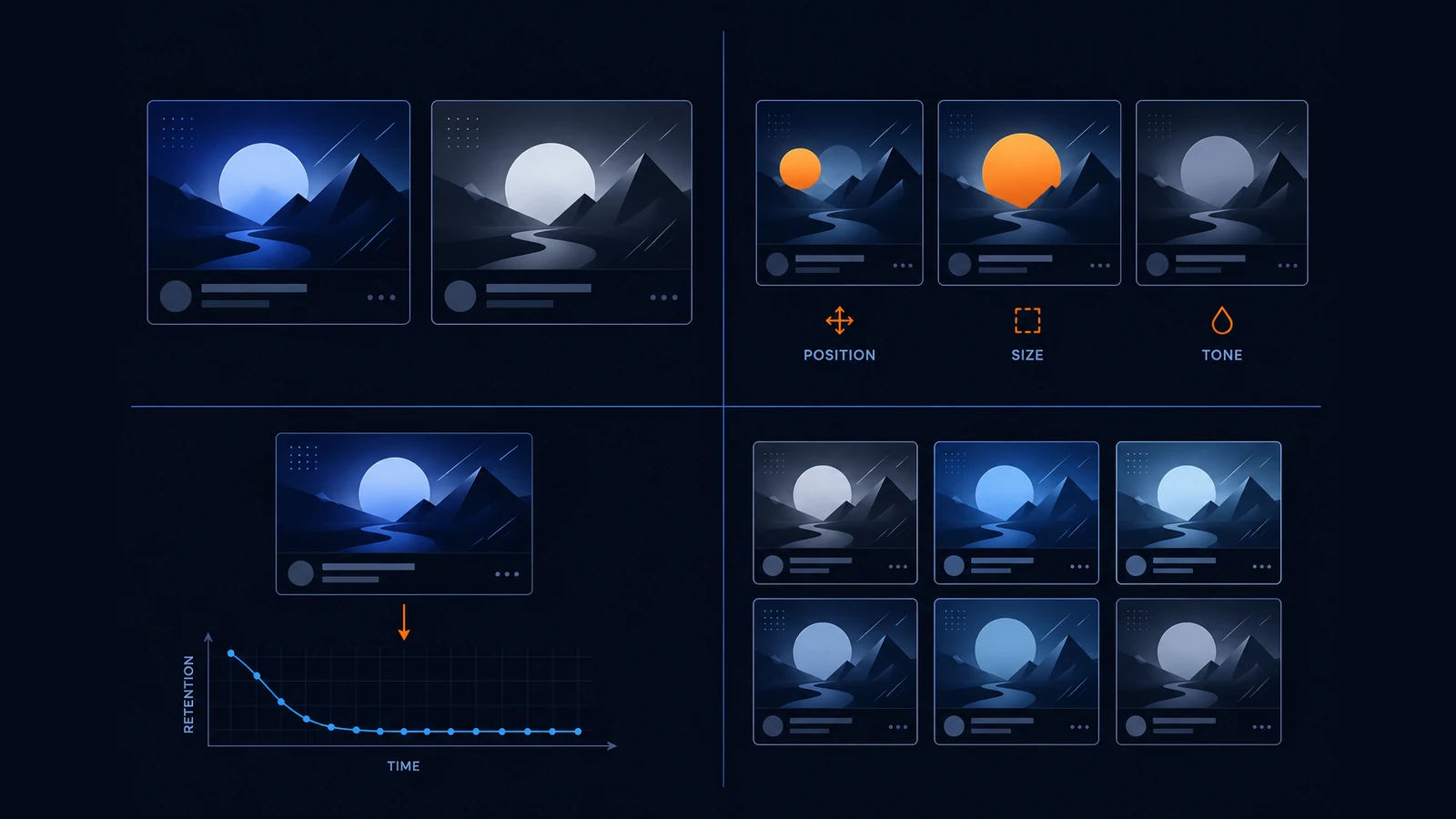
One subject, one text block, one background. Anything that is not carrying meaning is stealing attention from something that is. Convert the cover to greyscale, if the subject stops separating from the background, the composition has failed regardless of colour.
Test colour, contrast and composition separately
Change one variable per upload. Two changes at once produce a CTR difference you cannot attribute to either. Over ten videos, single-variable testing gives you a real style guide, while shotgun testing gives you ten unrelated images.
Align the cover with what the video actually delivers
Over-promising is the most expensive mistake in ai thumbnail design because it works, briefly. CTR rises, retention collapses, and YouTube stops recommending the video. If your retention graph falls off a cliff in the first minute, the cover is writing cheques the script cannot cash. Our guide to improving audience retention and watch time walks through diagnosing that.
Build a system, not a series of one-offs
Pick a font, a palette and a composition and keep them for at least twenty uploads. Recognition compounds. A returning subscriber should identify your video from the shape and colour before they read a word, and no amount of per-video brilliance replaces that.
Which One Should You Actually Pick?
If you design across several platforms, take Canva Magic Studio. If you edit in CapCut, stay in CapCut. If you need photoreal illustration, Leonardo.
If the real problem is that packaging happens at midnight after the export finishes, and the cover never quite matches the video, the answer is not a better canvas. It is moving ai thumbnail design next to the script, which is the whole argument for Creator AI at number four.
Keep Reading
- Best AI Thumbnail Maker: 7 Tools That Boost YouTube CTR (2026)
- Best AI Thumbnail Generator for YouTube Creators (2026)
- 5 Thumbnail Mistakes Killing Your CTR (2026)
- Generate covers from your script, start free or compare plans.
- Reference: YouTube thumbnail specifications and YouTube creator resources.