What is the difference between SRT and VTT? SRT is the older plain-text caption format. Numbered cues, comma before the milliseconds, no styling. VTT is the web standard: a WEBVTT header, a full stop before milliseconds, plus styling, positioning, and metadata. In an SRT vs VTT decision, use VTT for anything rendered in a browser and SRT for maximum compatibility with editors and platforms.
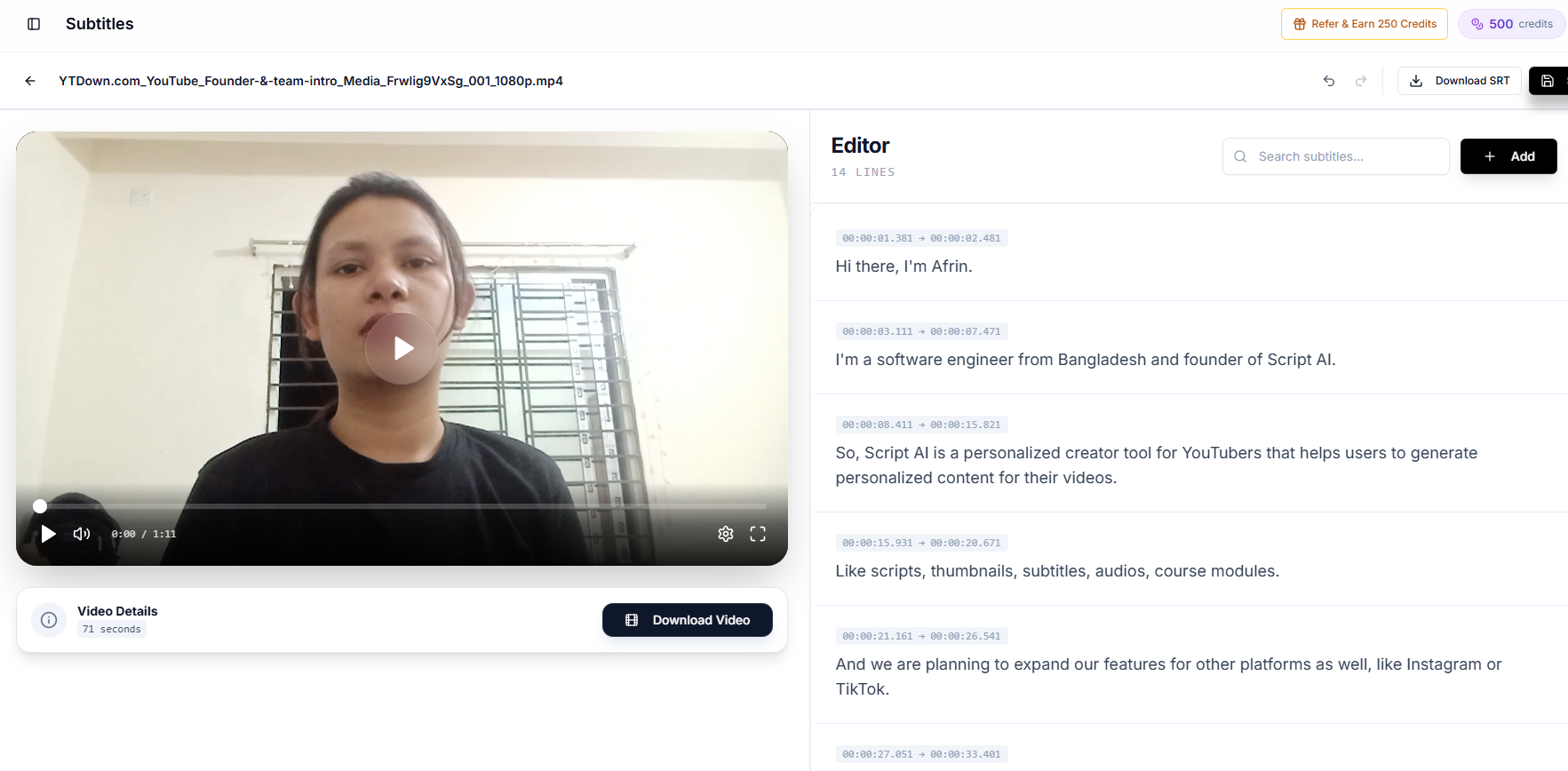
SRT vs VTT: the actual technical difference
Both formats do the same job: pair a block of text with a start and end timestamp. The differences are small in count and large in consequence.
| SRT | VTT | |
|---|---|---|
| Header | None | Requires WEBVTT on line 1 |
| Millisecond separator | Comma (00:00:01,500) | Full stop (00:00:01.500) |
| Cue numbers | Required by convention | Optional |
| Styling | None | CSS-like cue styling |
| Positioning | None | Line, position, alignment, size |
| Metadata and comments | No | NOTE blocks, cue settings |
| HTML5 track element | Not supported | Required format |
| Editor and platform support | Near universal | Very good, slightly narrower |
The single most consequential row is the last-but-one. A browser playing video through the HTML5 track element will not render an SRT file. It fails silently: no error, no captions, and a long afternoon of debugging. The W3C WebVTT specification is the authority if you need the details.
Where SRT vs VTT actually matters
YouTube: accepts both, plus several others. Either is fine.
HTML5 video on your own site: VTT only. This is not a preference, it is the specification.
Vimeo and most hosted players: both, with VTT preferred.
Video editors (CapCut, Premiere, Resolve, Final Cut): in an SRT vs VTT choice here, SRT is the safest import format. Some handle VTT; all handle SRT.
Broadcast and OTT workflows: neither; those use their own formats and convert on ingest.
Practical rule for the whole srt vs vtt question: keep your master as SRT because everything imports it, and generate VTT when you are embedding video on a web page.
The 6 most common subtitle errors
These account for most of the caption complaints creators receive, and all six are detectable before you publish.
1. Overlapping cues. Two captions whose timestamps overlap. Players resolve this unpredictably: some stack, some drop one.
2. Negative or zero-length durations. An end time at or before the start time. Usually the result of a bad edit or a truncated export.
3. Lines too long to read. Over about 42 characters per line, or more than two lines per cue. Technically valid, practically unreadable.
4. Missing sequence numbers. SRT expects them; some strict parsers reject a file without them. VTT does not care.
5. Encoding problems. A file saved as ANSI or Latin-1 instead of UTF-8 turns every accented character into mojibake. This is the number one cause of import failures into editors.
6. Sync drift. Covered properly below, because it has two different causes and two different fixes.
How to fix sync drift
First, work out which of the two problems you have. Check the offset at the start of the video and again at the end.
If the gap is the same at both ends, you have a constant offset. Every cue is out by the same amount, usually because the captions were generated against an earlier cut or the video was trimmed at the head afterwards. Fix it with a global offset: add or subtract the same value from every start and end timestamp. If your captions run 1.4 seconds early, add 1.4 seconds to all of them. One operation, done.
If the gap widens as the video plays, you have genuine drift, and the cause is almost always a frame-rate mismatch: captions timed against 25 fps footage played back at 23.976, or similar. A global offset will not fix this. You need to rescale the timestamps by the ratio of the two frame rates, or regenerate the captions against the final export.
The reliable prevention is procedural rather than technical: caption the final cut, never the raw recording. Every trim after captioning is a new sync bug.
Character limits and readability
Reference values worth knowing, from long-established subtitling practice:
- 42 characters per line maximum, and fewer is better.
- Two lines maximum per cue.
- Minimum one second on screen, even for a single word.
- Maximum about six seconds on screen, or split the cue.
- Reading speed of roughly 17 characters per second for adult content, slower for children's or technical material.
- Break lines at natural clauses, not mid-phrase. "I went to the shop and" / "bought milk" reads badly; "I went to the shop" / "and bought milk" reads fine.
These are conventions rather than rules, and they are conventions because they were tested on real viewers for decades before streaming existed.
Converting between the formats
The mechanical conversion from SRT to VTT is three steps: add WEBVTT and a blank line at the top, replace the comma before milliseconds with a full stop, and leave or drop the cue numbers as you prefer. Going the other way is the reverse, plus stripping any styling or positioning that SRT cannot represent, which is the one lossy direction in the srt vs vtt relationship.
If a conversion tool asks you to upload the file to a server, ask yourself whether the transcript of your unpublished video should be leaving your machine. This conversion is simple enough to happen entirely in a browser, and the ones that do are the ones to prefer.
Where the format stops mattering
Converting subtitles is the easy part of this job. Generating accurate ones is the work.
Every automatic captioning system on the market is good at ordinary speech and unreliable on the words that carry meaning in your niche: names, brands, technical terms, numbers. No amount of format correctness fixes a caption that says the wrong word confidently, and once those captions are styled and burned in, correcting them is a per-cue chore. We covered which errors cost the most in YouTube auto-caption accuracy.
The order that works: generate, correct the terminology once in a text editor, then export to whichever of SRT or VTT the destination needs. Creator AI does that in one place: auto-timed subtitles, in-app editing, translation, and export to both formats, with optional burn-in, up to 200 MB or about 10 minutes per upload. The whole srt vs vtt decision then collapses into a dropdown at the end, which is where it belongs.
Keep Reading
- The Most Accurate AI Subtitle Generator? 7 Tools Tested
- YouTube Auto Captions Are Wrong Where It Costs You Most
- How Subtitles Increase YouTube Views and Watch Time
- Creator AI + CapCut: From AI Script to Subtitled, Dubbed Video
- Generate captions you only have to fix once, start free or see plans.