
How much does AI dubbing cost in 2026? Between roughly 0.10 USD and 3 USD per finished minute, against 20 to 40 USD per minute for mid-range professional studio dubbing and 50 USD and up for premium work. That is a 90 to 98 percent reduction on the production line, but the sticker price is not the real ai dubbing cost. Once you add human review, rework and compliance, most teams land at two to four times the tool's headline rate, and that is still an order of magnitude below a studio quote.
AI Dubbing Cost vs Traditional Dubbing: The 2026 Reality
Here is the whole argument in one table, before any of the nuance.
| Approach | Typical cost per finished minute | One 10-minute video, 5 languages | Turnaround |
|---|---|---|---|
| Premium studio dubbing | 50 USD and up | 2,500 USD and up | 3 to 8 weeks |
| Mid-range professional dubbing | 20 to 40 USD | 1,000 to 2,000 USD | 2 to 4 weeks |
| Budget freelance dubbing | 5 to 15 USD | 250 to 750 USD | 1 to 3 weeks |
| AI dubbing, tool cost only | 0.10 to 3 USD | 5 to 150 USD | 10 minutes to 2 hours |
| AI dubbing plus human review | 3 to 12 USD | 150 to 600 USD | 1 to 3 days |
| YouTube automatic dubbing | 0 USD | 0 USD | Hours, automatic |
Rates gathered July 2026 from published vendor pricing and from localization agency rate guides. Dubbing prices move, so treat these as bands rather than quotes.
The row that matters most is the fifth one. Almost every honest comparison of ai dubbing cost skips it, because "AI dubbing plus a bilingual human who actually checks it" is a less exciting headline than "98 percent cheaper". It is also what you will really spend.
Why Dubbing Budgets Changed in 2026
Three things happened at once.
YouTube made multilingual native. Multi-language audio tracks are now a standard feature rather than a pilot. YouTube's own documentation reports that creators who added multi-language audio saw over 25 percent of their watch time come from views in the video's non-primary language. That turned dubbing from a nice-to-have into a growth lever with a measurable return.
YouTube also made a baseline version free. Automatic dubbing now runs at no cost for eligible channels. Every paid tool is priced against zero, which has dragged the whole market down.
Compliance became a line item. Transparency obligations for synthetic media, including Article 50 of the EU AI Act, mean teams distributing into regulated markets now budget for disclosure, labelling and documentation. Small money, but no longer zero money.
How We Priced These Tools
Comparing dubbing tools honestly is harder than it looks, because almost nobody sells minutes. They sell credits, and credits buy different amounts of work depending on whether lip-sync is on.
So for every tool we did the same three things:
- Took the published entry plan and divided the monthly price by the dubbed minutes it actually includes.
- Recorded the overage rate, because plan minutes run out and overage is where budgets break.
- Noted whether lip-sync changes the maths, since on several platforms it halves effective capacity.
We are quoting list prices as published in July 2026, not negotiated enterprise rates.
The 7 AI Dubbing Tools, Priced
1. HeyGen, Cheapest Credible Per-Minute Rate
HeyGen built its dubbing on top of an avatar and lip-sync engine, which is why its per-minute economics are unusually good.
Pricing: Creator around 29 USD per month for 600 credits, Pro around 49 USD for 1,000.
Effective rate: roughly 0.24 USD per minute with lip-sync, closer to 0.10 USD per minute audio-only.
Pros: the lowest genuine ai dubbing cost in this group, strong lip-sync, broad language coverage, credits also buy avatar video.
Cons: the interface is built around avatars rather than around your existing footage, and voice cloning quality is good rather than exceptional.
Bottom line: if raw price per minute is your only criterion, this is the answer.
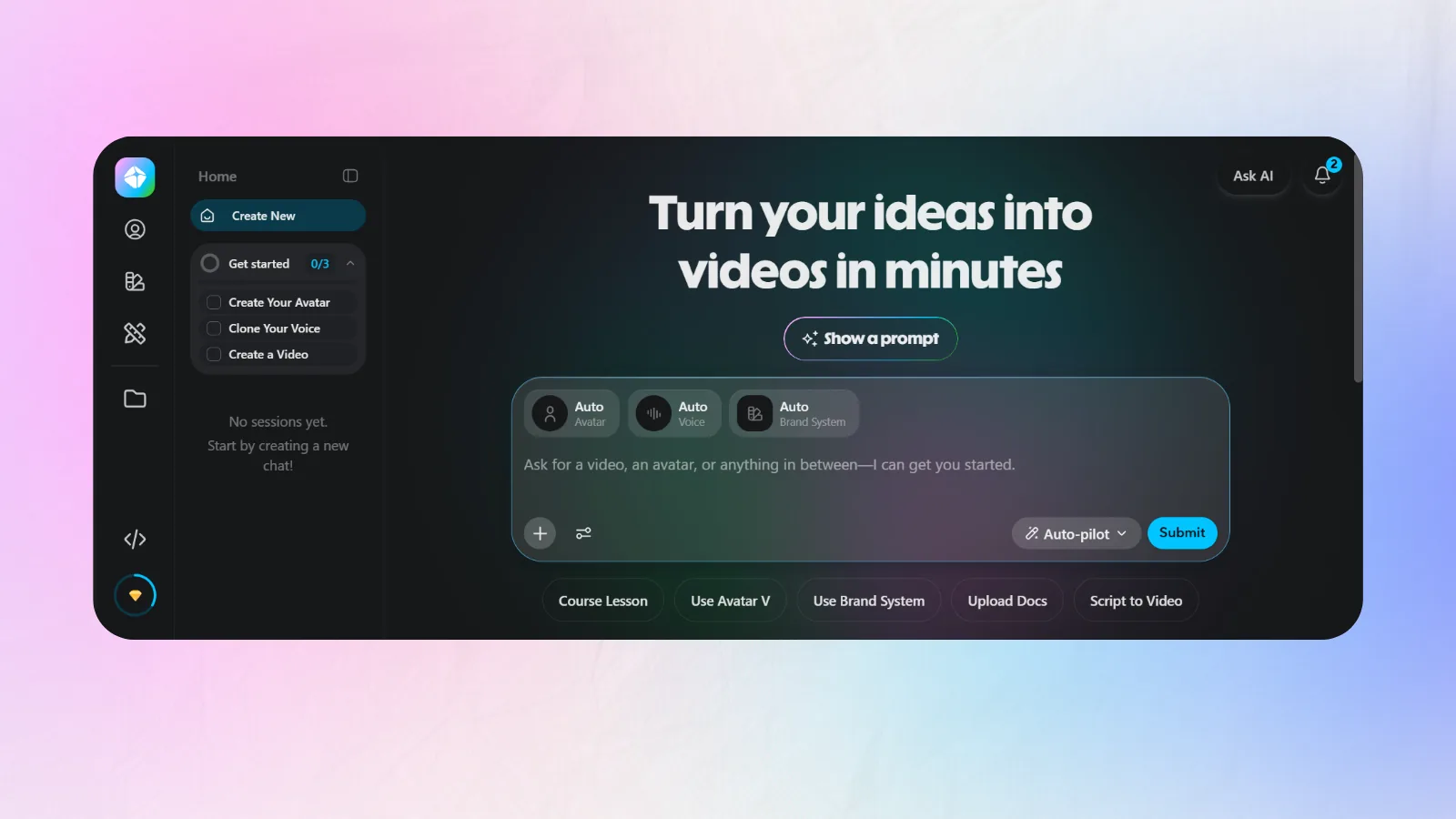
2. ElevenLabs Dubbing, Best Voice Quality Per Dollar
ElevenLabs still sets the bar for how a cloned voice sounds in another language.
Pricing: Creator around 22 USD per month for roughly 121,000 credits.
Effective rate: roughly 0.55 USD per minute on the standard path, materially higher on the automatic dubbing pipeline.
Pros: best-in-class voice realism, excellent emotion carry-over, a proper API, generous language list.
Cons: credits are consumed by everything else you generate, so a busy month of voiceover work quietly eats your dubbing budget. No video editor.
Bottom line: the right pick when the voice is the product and you can live without a timeline.
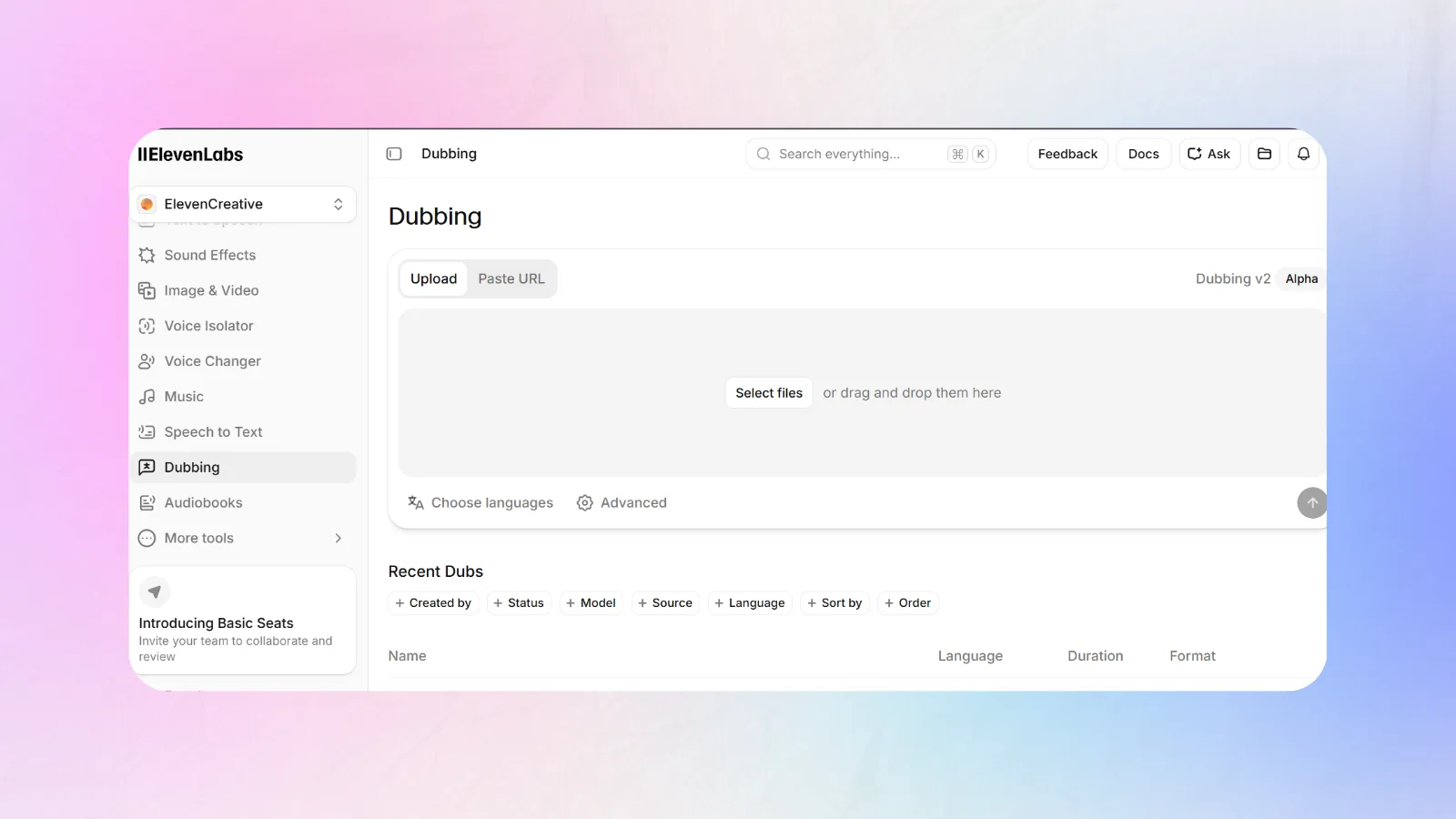
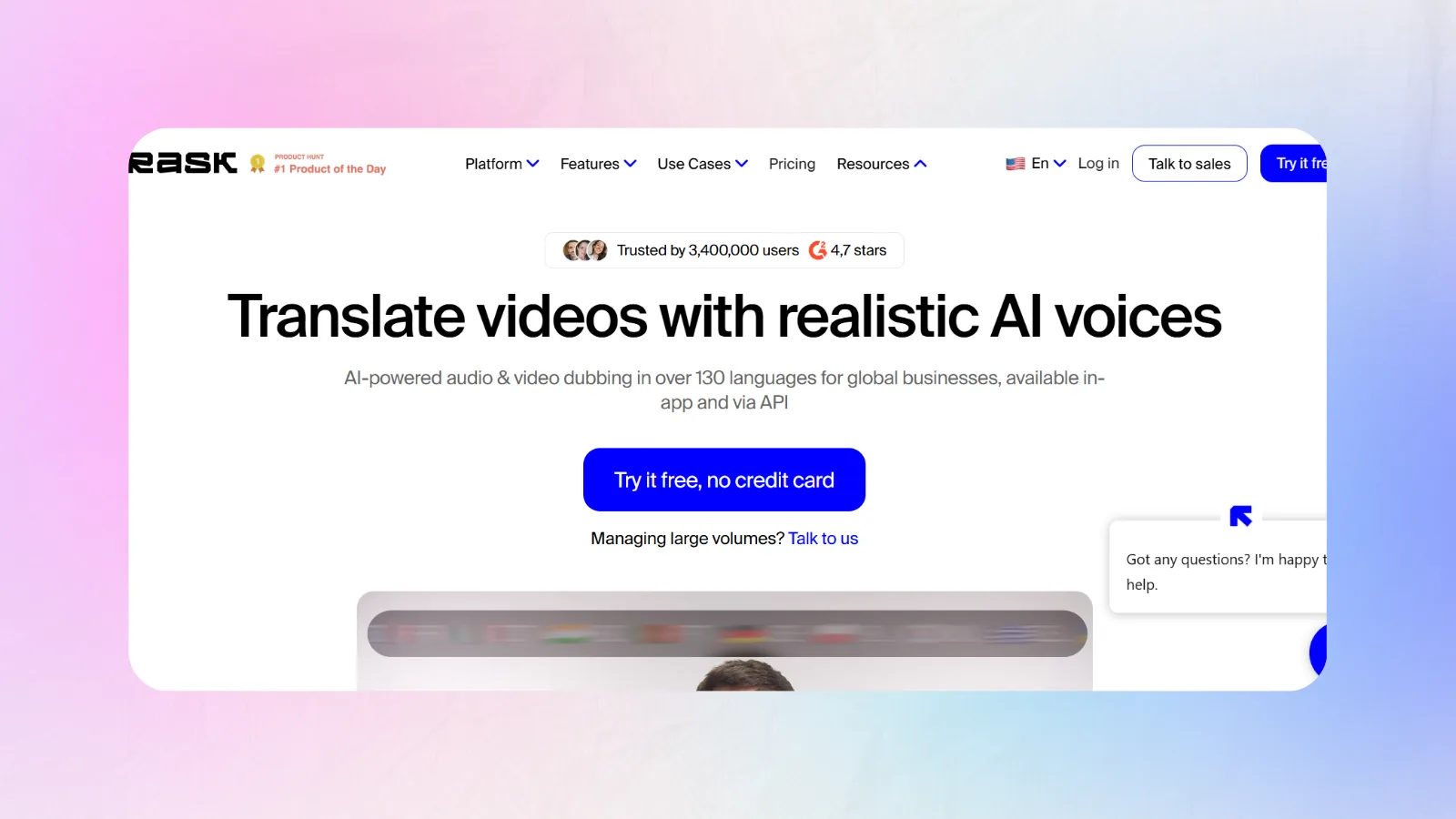
3. Rask AI, Most Complete Localization Suite
Rask AI is the most "agency-shaped" tool here: transcript editing, glossaries, multi-speaker handling and lip-sync in one place.
Pricing: Creator 60 USD per month for 25 dubbed minutes, Creator Pro 150 USD for 100 minutes, Business 750 USD for 500 minutes. Extra minutes run about 3 USD each.
Effective rate: roughly 2.40 USD per minute on the entry plan, falling to about 1.50 USD per minute higher up.
Pros: genuinely good translation quality, editable transcripts before synthesis, 130-plus languages, strong multi-speaker separation.
Cons: the highest headline ai dubbing cost of the paid tools here, and enabling lip-sync effectively halves your capacity, so heavy users hit the ceiling faster than the plan implies.
Bottom line: worth the premium if you dub regularly and need the editing layer. Poor value if your uploads are sporadic.
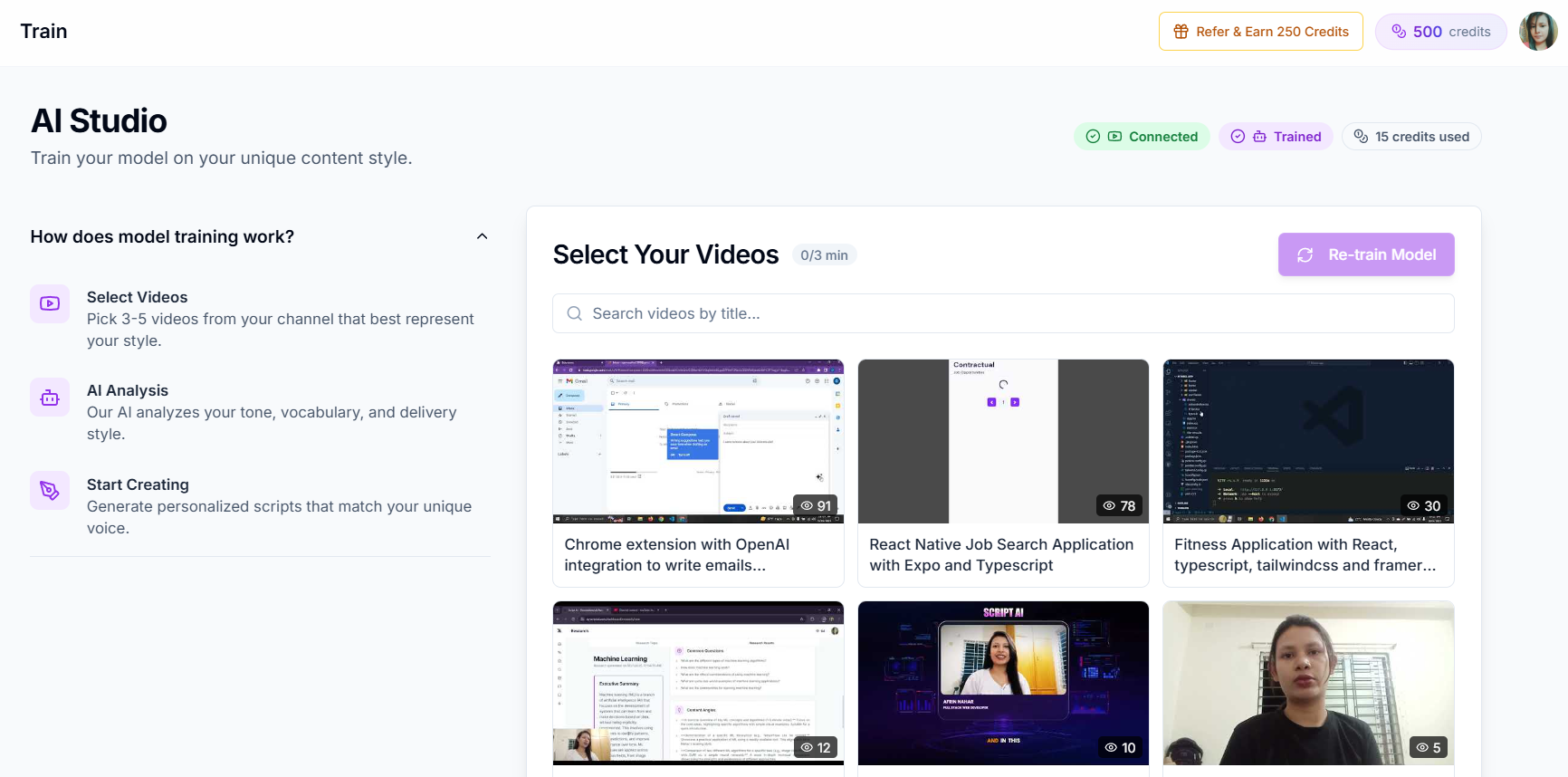
4. Creator AI, Dubbing Inside the Rest of the Workflow
Creator AI is the only tool in this comparison where dubbing is not a product. It is one step in a pipeline that already contains your script, your thumbnail and your subtitles.
It connects to your YouTube channel, learns your voice from three to five existing uploads, and dubs from the same dashboard that wrote the script. The translated audio inherits the voice profile rather than being generated by a stranger's model, and the subtitles for each language come out of the same job.
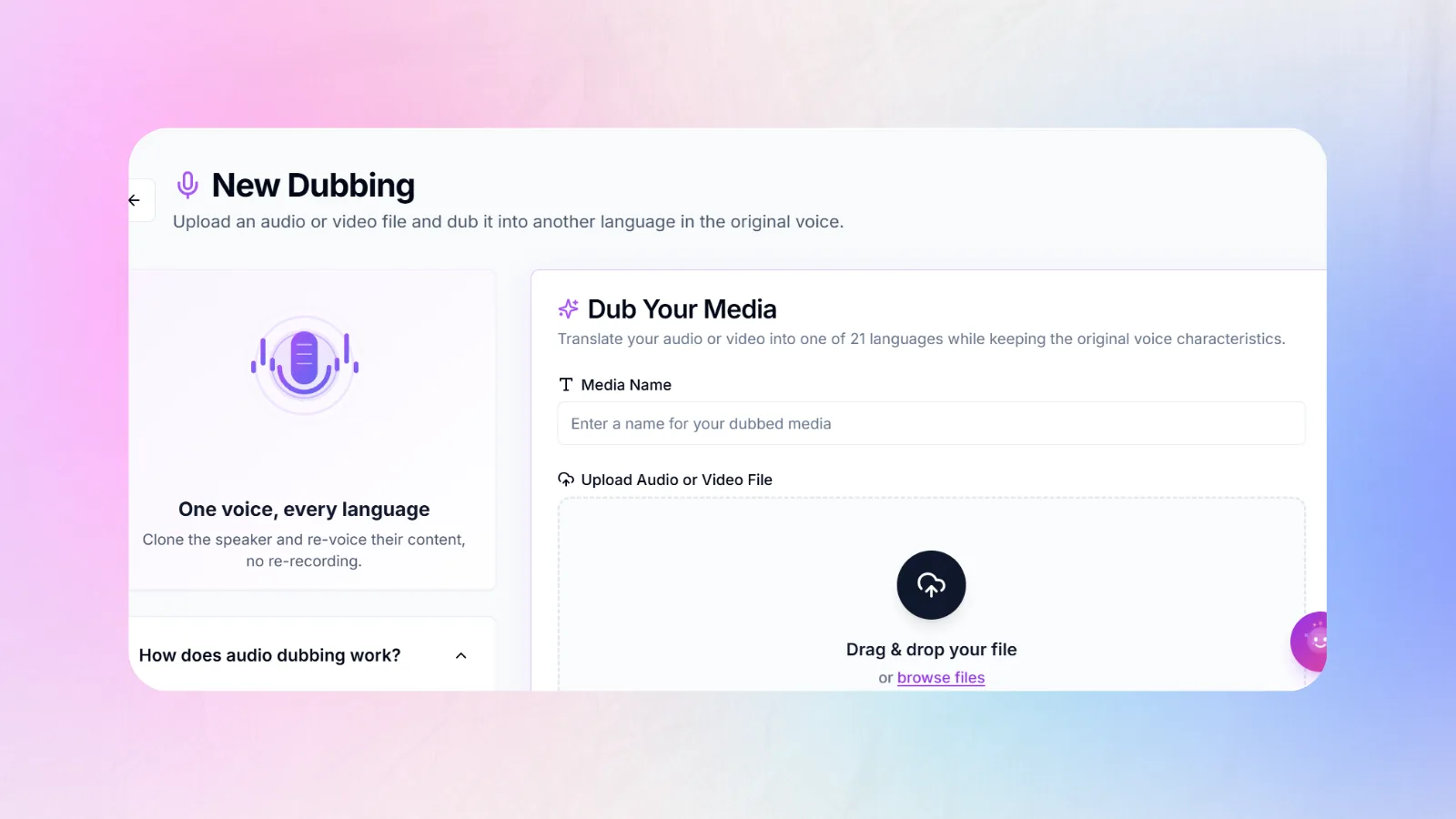
Pricing: dubbing is billed per second of source audio from your shared credit pool, at 15 credits per second, which is 900 credits a finished minute. There is no separate dubbing subscription. See current plans.
Effective rate: roughly 7 USD per minute on the entry Creator plan, falling to under 4 USD per minute on higher tiers, from the same credits that also buy scripts, thumbnails, story structure and subtitles.
Pros: one subscription instead of four, dubbed audio and translated subtitles generated together, voice profile consistent with the script, free starting credits, no per-tool context switching, no separate overage bill.
Cons: it is not the cheapest per minute and we are not going to pretend otherwise. If dubbing is the only thing you need and you dub hundreds of minutes a month, a dedicated tool will beat this on raw ai dubbing cost.
Bottom line: the saving here is not per-minute, it is the three subscriptions and the four exports you stop paying for. See how the workflow fits together.
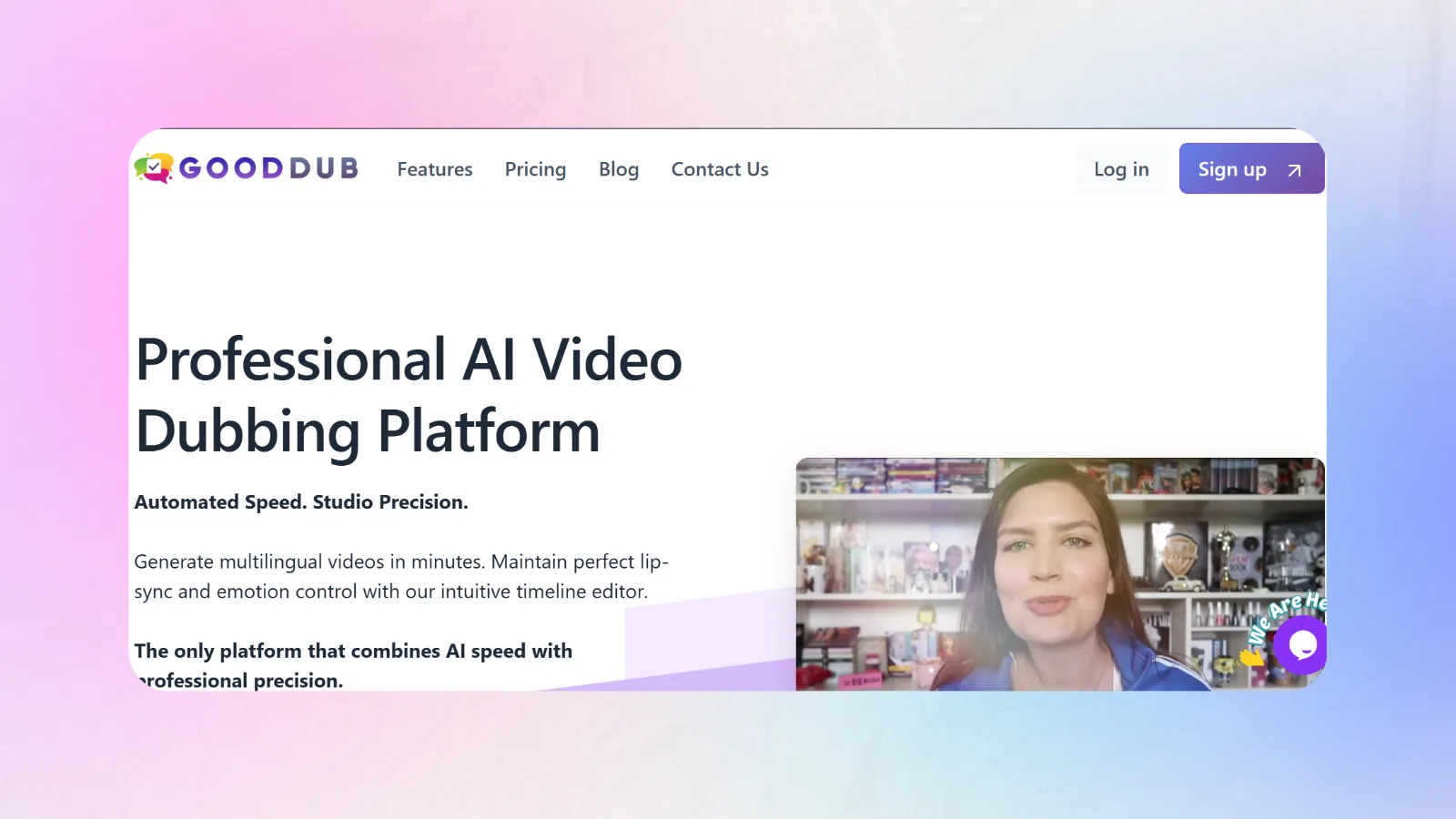
5. GoodDub, Best Pay-As-You-Go Pricing Model
GoodDub is the interesting one, because it attacks the subscription model rather than the per-minute rate.
Pricing: no subscription. One-time credit packs starting around 0.42 USD per minute, with usage windows of one to six months.
Effective rate: about 0.42 USD per minute, and importantly, 0 USD in a month you publish nothing.
Pros: the fairest pricing structure here for irregular publishers, sentence-level regeneration that does not charge you again for fixing one line, no wasted allowance.
Cons: a smaller feature surface than Rask, credits expire, and the platform is younger with a shorter track record.
Bottom line: if your upload schedule is honest about being irregular, this model will beat a subscription on total annual spend even when its per-minute rate is not the lowest.
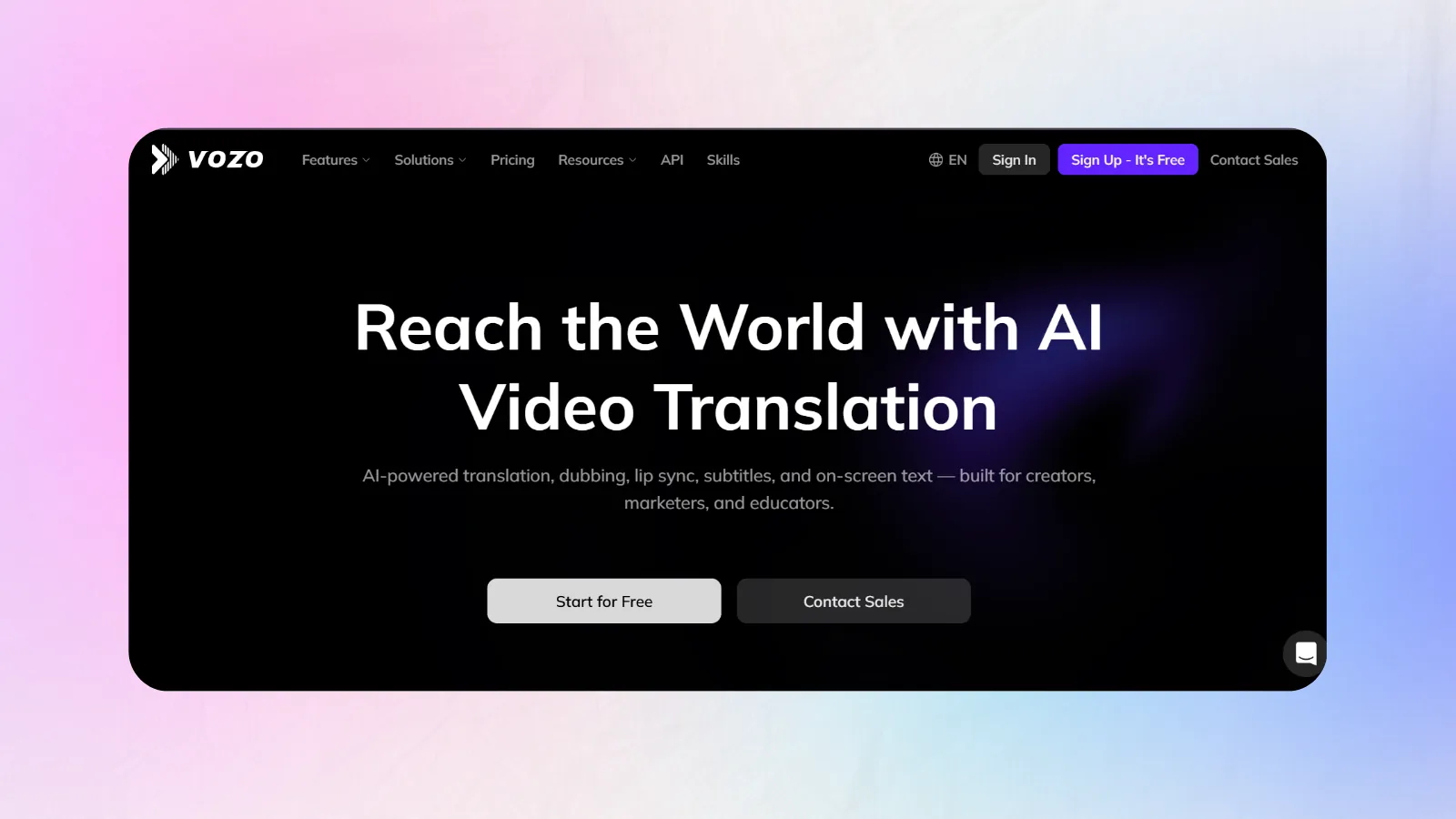
6. Vozo AI, Strongest Lip-Sync and Voice Identity
Vozo leans hard into realism: voice identity preservation and lip-sync are its headline features rather than add-ons.
Pricing: tiered subscriptions, mid-range to premium, with lip-sync gated behind the higher tiers.
Effective rate: low single-digit dollars per finished minute depending on tier and whether lip-sync is enabled.
Pros: excellent lip-sync realism, good emotion and speaker-identity carry-over, an end-to-end editor, 100-plus languages.
Cons: the pricing page is harder to reduce to a per-minute number than any other tool here, which is usually a sign the effective rate is not the cheapest.
Bottom line: the pick when the video is face-to-camera and the uncanny valley would cost you more than the subscription does.
7. YouTube Automatic Dubbing, Free and Genuinely Good Enough
The tool most creators should try first costs nothing, because it is already inside YouTube Studio.
Pricing: free for eligible channels.
Effective rate: 0 USD per minute.
Pros: zero ai dubbing cost, zero setup, automatically attached as a multi-language audio track, no export and re-upload cycle.
Cons: a synthetic voice that is not yours, no control over the translated script, limited language coverage, and no lip-sync. Eligibility is not universal.
Bottom line: run this on your back catalogue before you spend anything. If the watch-time split moves, you now have data to justify a paid tool. We break the trade-off down in YouTube auto-dubbing vs AI voice cloning.
Quick Comparison of AI Dubbing Cost by Tool
| Rank | Tool | Entry plan | Effective cost per minute | Overage | Lip-sync | Best for |
|---|---|---|---|---|---|---|
| 1 | HeyGen | ~29 USD/mo, 600 credits | ~0.24 USD (lip-sync) | Credit top-ups | Included | Lowest raw rate |
| 2 | ElevenLabs | ~22 USD/mo | ~0.55 USD | Credit top-ups | No | Voice realism |
| 3 | Rask AI | 60 USD/mo, 25 min | ~2.40 USD | ~3 USD/min | Yes, halves capacity | Full localization suite |
| 4 | Creator AI | Free credits, then usage | ~4 to 7 USD | Shared credit pool | No | One workflow, script to dub |
| 5 | GoodDub | No subscription | ~0.42 USD | Buy another pack | Limited | Irregular publishers |
| 6 | Vozo AI | Tiered subscription | Low single digits | Tier upgrade | Yes, premium tiers | Face-to-camera realism |
| 7 | YouTube auto-dubbing | Free | 0 USD | None | No | Testing demand first |
Prices as published July 2026. Verify before you commit, because every vendor on this list has repriced at least once in the last year.
What You Are Actually Paying For
The subscription is rarely the whole bill. A realistic ai dubbing cost model has six lines.
Software or API. The headline number. Usually 20 to 40 percent of true spend.
Compute above plan. Overage minutes, extra credits, and the rendering you do twice because the first pass was wrong.
Premium features. Voice cloning and lip-sync are almost always priced separately or as a capacity multiplier.
Human post-editing. The big one. A bilingual reviewer catching mistranslated jargon, wrong register, and names read as words. Budget 20 to 40 minutes of review per finished video minute for anything customer-facing.
Rework. Translated speech is often 15 to 30 percent longer than English. When it overruns the shot, someone rewrites and re-renders.
Compliance. Disclosure labels, documentation, and consent records for cloned voices. Cheap, but not free, and increasingly not optional.
Why Traditional Dubbing Stays Expensive
Studio pricing is not padding. It is people and rooms, and neither of them get cheaper with volume.
A standard quote bundles a translator, an adaptor who makes the translation fit the mouth movements, casting, voice talent charged per session or per character, a dubbing director, a recording engineer, mixing and mastering, proofreading, and project management. Studio time alone commonly runs 100 to 400 USD an hour.
Then the multiplier lands: every one of those steps repeats per language. One hour of finished video into four languages is four castings, four directors' days, four mixes. This is why studio localization budgets scale linearly while AI budgets flatten.
Worked Example: 10 Minutes Into 5 Languages
A concrete comparison, using the mid-range figures above.
| Line item | Studio route | AI route with review |
|---|---|---|
| Translation and adaptation | 750 USD | 0 USD, included |
| Voice talent and direction | 1,200 USD | 0 USD |
| Studio, engineering, mixing | 900 USD | 0 USD |
| Tool cost, 50 finished minutes | 0 USD | 21 to 150 USD |
| Bilingual review, 5 hours per language | 0 USD, included in above | 375 USD at 15 USD/hr |
| QA and project management | 300 USD | 60 USD |
| Total | 3,150 USD | 456 to 585 USD |
| Turnaround | 4 to 6 weeks | 2 to 3 days |
Roughly 82 percent cheaper and about fifteen times faster, with the human review kept in. Strip the review out and the ai dubbing cost falls another 80 percent, along with your ability to defend the output when a native speaker tells you it reads like a machine.
That is the actual decision. Not AI or humans, but how much human you buy.
Where AI Wins and Where It Still Loses
AI wins outright on: tutorials, product walkthroughs, e-learning and training libraries, internal comms, podcast and interview content, long-tail back catalogues, and any video where information transfer matters more than performance.
Humans still win on: comedy timing, prestige entertainment, anything with wordplay, brand campaigns where a mistranslation becomes a news story, and regulated content where an error carries legal weight.
Hybrid wins on almost everything else, which is why the interesting number is not the ai dubbing cost of the tool but the ratio of machine draft to human edit you can defend.
5 Ways to Cut Costs Without Wrecking Quality
1. Dub two languages, not eight. Open YouTube Analytics, sort by geography, and pick your two largest non-primary audiences. Guessing costs four times more than checking.
2. Use lip-sync selectively. Apply it to face-to-camera segments only. On tools where lip-sync halves capacity, this single change can double your effective plan.
3. Write shorter source scripts. Translated speech runs longer than English. A tighter original means less overrun, less rework, and less re-rendering.
4. Match the review depth to the risk. A back-catalogue tutorial needs a spot check. A pinned brand video needs a full pass. Applying the same QA to both is how budgets die.
5. Stop paying for four tools. If you are running a script tool, a subtitle tool, a thumbnail tool and a dubbing tool, a meaningful share of your localization budget is subscription overlap rather than production. That is the argument for consolidating, and it is why our own per-minute rate is not the number we lead with.
A 2026 Localization Strategy That Usually Wins
Run YouTube's free automatic dubbing across your back catalogue first. Wait 60 days and read the watch-time split by language. If a language clears 10 percent of watch time, it has earned a paid workflow with your cloned voice and a human reviewer. If it does not, you just saved yourself a subscription.
Then pair the dub with translated subtitles, because a meaningful share of viewers will watch the dubbed track with subtitles on. Our guide to how subtitles boost views and watch time covers why that combination outperforms either alone.
Keep Reading
- Best AI Dubbing Tool for YouTubers in 2026 (Compared)
- How to Dub YouTube Videos Into Multiple Languages With AI
- YouTube Auto-Dubbing vs AI Voice Cloning Explained
- Dub from the same place you write the script, start free or compare plans.
- References: YouTube multi-language audio, YouTube automatic dubbing, EU AI Act Article 50 transparency obligations, and a 2026 per-minute pricing comparison.