What is the best way to turn long videos into Shorts? Use Opus Clip or a comparable clipper for extraction and Submagic-style tooling for captions, but understand the ceiling first. Tools that turn long videos into Shorts can only find moments that already exist. If your long-form has no self-contained peaks, no clipper can manufacture them, which makes this a scripting problem wearing an editing problem's clothes.
The repurposing problem nobody names
The pitch for every clipping tool is the same: upload your podcast, get ten viral Shorts. The unstated assumption is that ten viral Shorts were in there.
Extraction tools optimise for finding peaks. They cannot create peaks, which is the ceiling on every tool that claims to turn long videos into Shorts automatically. Run a well-structured 20-minute video through a good clipper and you get four genuinely usable clips. Run a rambling one through the same tool and you get ten clips that all start mid-sentence and end without landing, because that is what was there.
So the honest framing: the tools below are ranked on how well they cut, and the last third of this article is about the thing that decides whether cutting is worth doing.
How we evaluated
Clip selection quality, caption accuracy and styling, aspect-ratio handling and reframing, batch throughput, and price at four long-form videos a month. No affiliate relationships.
Comparison table
| Tool | Free tier | Auto captions | Virality scoring | Best for |
|---|---|---|---|---|
| Opus Clip | Limited | Default choice | ||
| Submagic | Limited | Best styling | ⚠️ | Caption-led clips |
| Vizard | Limited | Long interviews | ||
| Klap | Limited | Fast turnaround | ||
| Descript | Limited | Manual control | ||
| CapCut | Generous | Free, mobile | ||
| Munch | No | Marketing teams | ||
| 2Short | Limited | Budget | ||
| Riverside | Limited | ⚠️ | Recorded interviews |
The 9 tools
1. Opus Clip: the category default. Strong clip selection, decent captions, a virality score that is directionally useful and should not be treated as a prediction. Drawback: costs add up at volume.
2. Submagic: the captions are the product, and they are the best in the list. Drawback: weaker at choosing which moment to cut.
3. Vizard. Handles long interviews and multi-speaker content better than most. Drawback: less polished output styling.
4. Klap: fast, simple, good defaults. Drawback: less control when the defaults are wrong.
5. Descript. Not an automatic clipper, which is the point. Cut by editing text and you decide what a highlight is. Drawback: manual, so it does not scale to ten clips a week.
6. CapCut: free, mobile-first, and capable of everything above with your hands on the controls. Drawback: your time is the cost.
7. Munch: aimed at marketing teams with brand controls. Drawback: priced accordingly.
8. 2Short: the budget entry, YouTube-focused. Drawback: clip selection is the weakest here.
9. Riverside. Best when you recorded in Riverside to begin with. Drawback: less useful on imported footage.
How to script long-form videos that turn into Shorts
This is the part no other roundup covers, and it is where the leverage is if you want to reliably turn long videos into Shorts.
A clip works when it makes sense to someone who has no context, lands a single idea, and finishes in under 45 seconds. Most long-form video is written as a continuous argument, so almost nothing in it satisfies those three conditions. You can fix that before you record.
Four rules for clippable long-form:
- Build self-contained segments. Every 3 to 4 minutes, one idea that opens, develops, and resolves without depending on the previous segment.
- Hook every 90 seconds. A question, a claim, or a reversal. These double as clip openings.
- Keep punchlines standalone. If the joke needs the setup from four minutes earlier, it cannot be clipped.
- Kill cross-references. "Like I said earlier" and "we will come back to this" are clip-killers. Say the thing again in full.
Here is the difference in practice.
Before: "So, going back to what I mentioned about the second method, this is where it gets interesting, because as we discussed, the ratio matters more than the total."
After: "The ratio matters more than the total. Here is what that means: two channels can post the same number of videos and one gets triple the views, because one of them is optimising the wrong number."
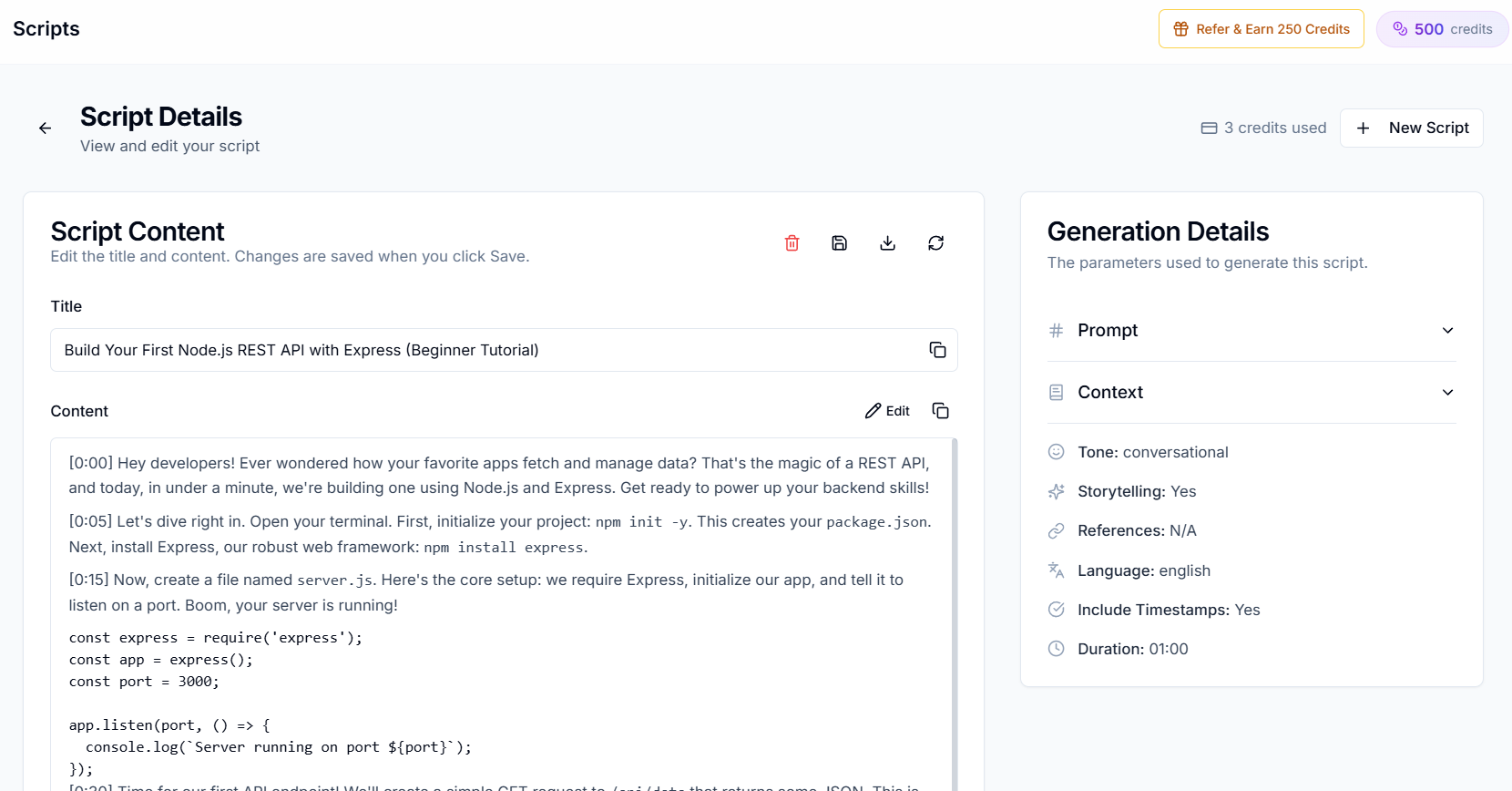
The second version is a Short. It was written that way on purpose. Creator AI's Story Builder and timestamped scripts are built around this structure, which is the same thinking behind our Shorts hook guide and story structure for retention.
Write this way and any tool on the list above gets better, because you have changed the input rather than the extractor.
Captions matter more than cuts
Short-form is watched muted more often than not, and YouTube's own Shorts guidance treats the first seconds as decisive. A clip with no captions is a silent video with a talking face in it.
Automatic captions are fine on ordinary speech and unreliable exactly where it counts: product names, technical terms, numbers. Generating an editable subtitle track, fixing the five words that matter, then exporting SRT or VTT gives you accurate captions in whatever styling your clipper applies. Our guide to auto-caption accuracy covers which errors cost you most.
Going multilingual with Shorts
Underused, and cheap. Dubbing a 45-second clip costs a fraction of dubbing a 20-minute video, and each language market is recommended separately, so a clip that stalls in English can find an audience in Spanish or Hindi from the same source footage.
For faceless or B-roll-heavy clips there is no lip sync problem at all, which makes this close to free upside. The decision framework is in our dubbing ROI breakdown.
A complete repurposing workflow
- Script for clippability in Creator AI, with timestamps and self-contained segments.
- Record against the timestamps.
- Clip with Opus Clip or your preferred extractor.
- Caption with an edited, accurate subtitle track rather than raw auto-captions.
- Dub the two or three clips that performed into your biggest secondary markets.
- Publish, and check which clip type held attention past three seconds.
That sequence is why the tools you use to turn long videos into shorts matter less than most comparisons imply. Steps 3 and 4 are interchangeable. Step 1 is not.
The conclusion
Clipping tools find good moments. They cannot put good moments there. That happens at the script stage, before a camera is involved.
If your clips underperform and you have already tried three extractors, the tool was never the constraint. Try writing one long-form video with the four rules above, then run it through whatever clipper you already pay for, and compare. That single test tells you more than any comparison of tools that turn long videos into shorts, including this one. Start free if you want the script structured that way from the start.
Keep Reading
- YouTube Shorts Script Generator: Hooks That Stop the Scroll
- YouTube Video Story Structure for Retention
- The Most Accurate AI Subtitle Generator? 7 Tools Tested
- How to Improve YouTube Audience Retention and Watch Time
- Write long-form that contains its own Shorts, start free or see plans.